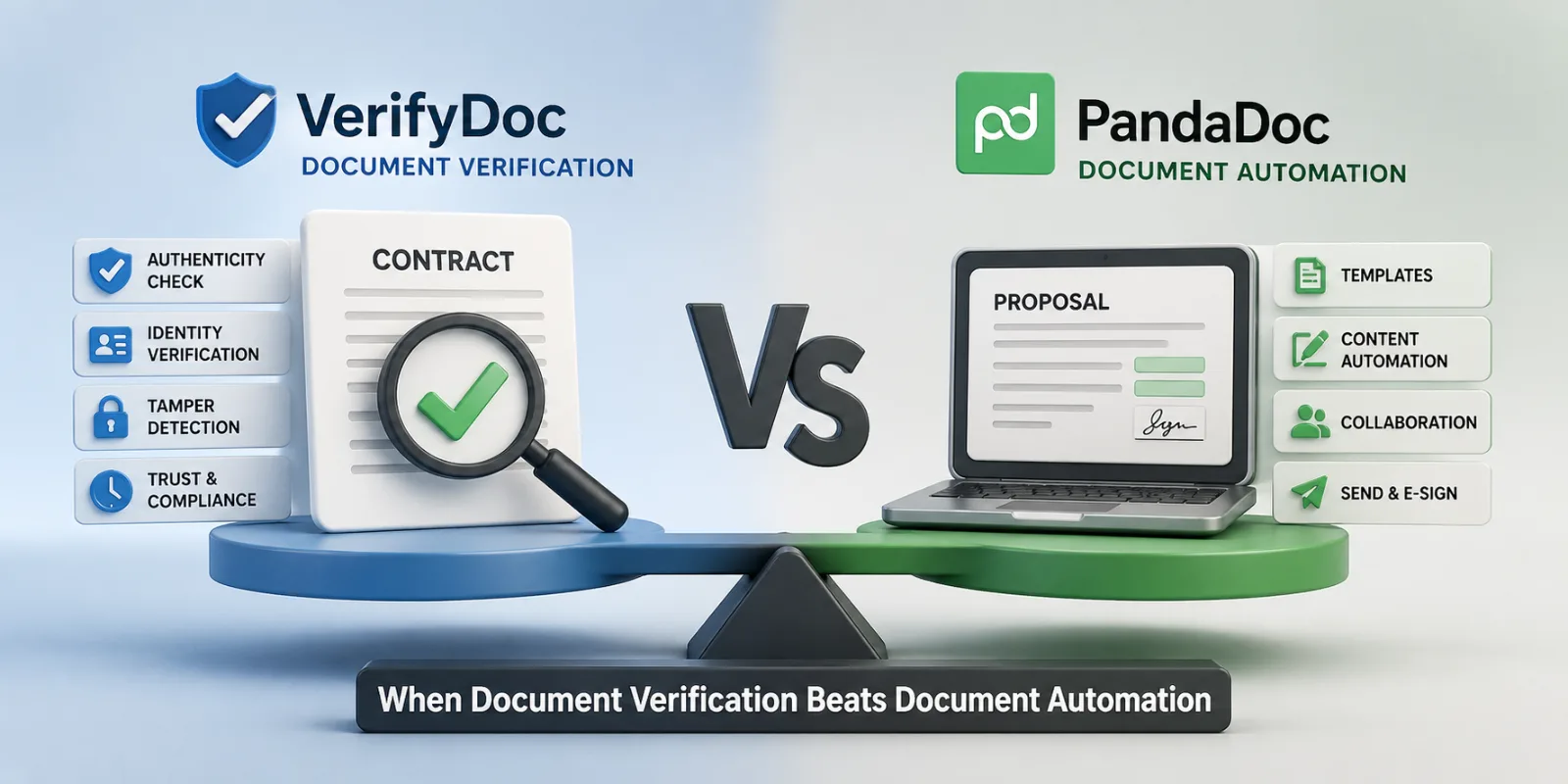
Most "VerifyDoc vs PandaDoc" comparisons make a category mistake. They line the two products up as if they're solving the same problem in different ways, and the reader leaves with a vague sense that one is better than the other. They are not solving the same problem.
PandaDoc is the leading purpose-built tool for document creation velocity — proposals, quotes, sales contracts, drag-and-drop templates, CRM-driven workflows, in-document analytics. It is genuinely excellent at what it does.
VerifyDoc is the leading purpose-built tool for document verification after delivery — a QR code on every document that resolves to a hosted proof page, so recipients can confirm in two seconds that what they have is real and unaltered. It is also excellent at what it does.
For a sales-led team, the right framing is rarely "which one do we buy?" It is almost always "which problem are we solving today, and at what point will the other one matter?" This article walks through both honestly, gives you a decision matrix, and ends with the "use both" pattern that an increasing number of mid-market and enterprise sales orgs adopt.
TL;DR
Choose PandaDoc if your priority is…Choose VerifyDoc if your priority is…Sales velocity — building beautiful proposals and quotes faster, embedded videos, content libraries, payment collection in-doc.Trust after delivery — recipients can scan a QR code and prove the signed document is authentic in seconds.Deep CRM-native workflows (Salesforce, HubSpot, Pipedrive) for the sales team.Issuing documents at scale that recipients need to verify later (contracts, certificates, statements, HR letters, invoices).Quote-to-cash with payment collection inside the document.Documents that travel beyond the signing parties — onto paper, screenshots, forwards, downstream review.In-document analytics: who opened, how long on each page, where they hesitated.A hosted proof page on a trusted domain, accessible without an account.Mid-market sales orgs that send hundreds of proposals a month.Any team — sales, HR, finance, ops — issuing documents whose authenticity matters after the signature.
The shorter version: if the question is "how do we get the document signed faster?" use PandaDoc. If the question is "how does the recipient prove this is real?" use VerifyDoc.
The right way to think about this comparison
Most document workflows have two distinct phases, and most teams optimise only one of them.
Phase one: creation through signature. Drafting, internal approvals, sending, signing. This is where PandaDoc makes its case. The product compresses the whole funnel from "I need a proposal" to "the customer has signed" — templates, content libraries, dynamic pricing tables, e-signature, payment collection. For sales orgs whose pain point is producing and closing proposals fast, PandaDoc is a force multiplier.
Phase two: post-signature life of the document. What happens after the signature is where most workflows go silent. The signed PDF gets emailed, downloaded, forwarded to the customer's procurement team, attached to an internal SharePoint, shared with a finance auditor a year later, screenshotted into a Slack channel, printed for a board meeting. At every one of those moments, someone is implicitly trusting that the document they have is the document that was originally signed. Most of the time, they have no way to check.
VerifyDoc is built for phase two. The QR code on the document, the hosted proof page, the ability for any downstream recipient to scan and verify in seconds — all of it is designed for the post-signature world.
PandaDoc and VerifyDoc are not in conflict. They sit in different parts of the document lifecycle. The interesting strategic question is whether your team is currently leaving phase two unaddressed — and what that costs you in trust, in disputes, in the slow drag of "is this contract still the version we signed?" conversations.
What PandaDoc is genuinely best at
PandaDoc is one of the most mature document-automation platforms in the market, with reportedly tens of thousands of paying companies and a clear focus on sales-led workflows. The headline strengths are real.
Proposal and quote builder. The drag-and-drop builder, embedded pricing tables, video and image embeds, and content library are best-in-category for sales documents. A rep can assemble a customised, on-brand proposal in minutes from approved blocks.
CRM integrations. Native, deep integrations with Salesforce, HubSpot, Pipedrive, Microsoft Dynamics and others. Proposals can be generated from CRM records, kept in sync, and reflected back into the deal pipeline. For RevOps teams this is the central reason to choose PandaDoc.
Quote-to-cash. Payment collection inside the document — Stripe, PayPal, GoCardless and others — closes the loop between signature and payment. This is meaningfully differentiated.
In-document analytics. Time-on-page, scroll depth, who opened the proposal, when they shared it internally. Sales reps use this to time their follow-ups.
Templates and content library. A central library of pre-approved sales content (case studies, ROI calculators, security one-pagers) that can be dropped into any proposal. This is the operational backbone for high-velocity sales teams.
Comments and live collaboration. Internal teams and external customers can comment on the document during negotiation, much like a Google Doc.
The honest trade-offs:
No post-send verification. PandaDoc issues a Certificate of Completion as a downloadable audit trail PDF — the industry standard. There is no QR-on-document model, no hosted proof page that downstream recipients can scan, no built-in way for a third party to verify the document is genuine without re-engaging PandaDoc through the original sender.
Sales-shaped product. PandaDoc is optimised for sales documents. Teams trying to use it for HR letters, certificates, financial statements or government documents often find the surface area is wrong-shaped — too much proposal-builder, too little issuance-and-verification.
Tiered pricing. Free e-sign tier exists, but the features that make PandaDoc valuable (templates, CRM integrations, analytics, payments) are on the Essentials and Business tiers, with Enterprise behind a sales conversation. Per-seat costs at the Business tier and above add up at scale.
What VerifyDoc is genuinely best at
VerifyDoc is built around a different question: not "how do we get this signed faster?" but "how does the recipient prove the document is real, days, months or years after signing?"
Every document VerifyDoc handles carries a QR code (or equivalent verification block) on the document itself. Anyone — recipient, third-party verifier, downstream party — can scan that QR with a phone camera and land on a hosted proof page that confirms the document is genuine, who issued it, when, and what was inside.
Headline strengths:
Post-send verification as a first-class feature. The QR travels with the document everywhere it goes — email, paper, screenshot, forward, downstream review.
Hosted proof page UX. Two-second scan with any phone camera. No account, no fee, no portal. The verifier sees the original document, the issuer's verified identity, and the issuance timestamp.
Works on paper. A QR printed on a paper copy of a contract or certificate still resolves to the live proof page. This matters for any team whose documents end up printed by recipients.
Same tool, every document type. Sales contracts, HR offer letters, financial statements, certificates of completion, invoices, government documents — all use the same issuance and verification model. A team that adopts VerifyDoc for one document type can extend it to all of them.
Word and Google Docs first. Native integrations with both, so teams that draft in either get verification without converting to PDF first.
Flat, published pricing. Personal $10 / Standard $25 / Business Pro $50 / Enhanced custom. No sales-call required to find out what you'd pay.
Honest trade-offs in this comparison:
No proposal builder. VerifyDoc is not trying to compete with PandaDoc on the document-creation side. There is no drag-and-drop proposal canvas, no embedded video, no content library. Teams whose primary need is sales-doc velocity should use PandaDoc for that.
No quote-to-cash payments. Payment collection inside the document is not a VerifyDoc feature. Use Stripe, GoCardless or your billing system separately.
CRM integrations are lighter. API access for any system, plus common integrations, but the deep, native Salesforce and HubSpot experience PandaDoc offers is not the centre of gravity here.
No in-document sales analytics. VerifyDoc tracks verification events (when and where a document was scanned), which is a different and arguably more useful signal once the document is signed — but it is not the same as PandaDoc's "did the prospect spend three minutes on page four" analytics for sales reps in active negotiation.
Side-by-side decision matrix
CapabilityPandaDocVerifyDocDrag-and-drop proposal builderExcellentNoContent library for sales blocksExcellentNoIn-document payment collectionYes (Stripe, PayPal, etc.)NoIn-document sales analytics (page time, scroll depth)ExcellentNoNative CRM integrations (Salesforce, HubSpot, Pipedrive)DeepLight / API-drivenReal-time collaboration and commentsYesBasicElectronic signaturesYesYesAudit trail / certificate of completionYes (downloadable PDF)Yes (hosted proof page)Post-send QR verificationNoYes (core feature)Hosted proof page accessible to anyoneNoYesVerification on paper / printed copyNoYesVerification by phone camera scan, no app, no accountNoYesNative Word integrationLimitedExcellentNative Google Docs integrationLimitedExcellentTemplatesYesYesAPI for developersYesYesCompliance: ESIGN, UETA, eIDASYesYesPricing transparencyTiered; Enterprise behind salesPublished flat tiers ($10 / $25 / $50 / Custom)Sweet-spot use caseSales proposals and quotes at velocityDocuments that need verifiable trust after delivery
- Five real-world scenarios — pick the right tool
Scenario 1: A 50-person sales team sending 500 proposals a month
Recommendation: PandaDoc. This is exactly the use case PandaDoc was designed for. Proposal velocity, content library reuse, CRM sync, payment collection — every feature pulls in the same direction. VerifyDoc would not help with the bottleneck (creation speed) and would feel like the wrong shape for proposals.
Scenario 2: A 50-person sales team whose proposals routinely get forwarded to procurement and legal teams six months later
Recommendation: PandaDoc for proposal creation, VerifyDoc for the final signed contract. Use PandaDoc to win the deal at velocity. When the contract is signed, issue the executed version with a VerifyDoc QR so the customer's procurement and legal teams can verify the contract is the real one any time over the contract's lifetime. The cost of being wrong on a multi-year enterprise contract is a multiple of the cost of layering VerifyDoc on top.
Scenario 3: An HR team issuing 200 offer letters a year
Recommendation: VerifyDoc. Offer letters are not a sales-velocity problem. The job-to-be-done is "issue a tamper-proof document the candidate can prove is real to a parent, spouse, mortgage broker or background-check firm." The QR-verified model fits precisely. PandaDoc would be over-tooled for the creation side and lacking on the verification side.
Scenario 4: A consultancy issuing certificates of completion to training-program graduates
Recommendation: VerifyDoc. Certificates are a textbook post-send verification use case. Graduates will share them on LinkedIn, attach them to job applications, present them at interviews. Each downstream recipient needs a fast way to confirm the certificate is genuine. PandaDoc has no equivalent feature.
Scenario 5: A SaaS company that wants one platform for both sales contracts and customer-facing legal documents
Recommendation: Use both, deliberately. PandaDoc for the sales motion (proposals, quotes, MSAs at signature). VerifyDoc on the executed final versions, plus on customer-facing certificates, security attestations, SOC 2 letters, and any other document the customer might want to verify later. The cost of running both is small relative to the trust value generated.
The "use both" pattern — and why it's the most common answer
For sales-led organisations of any meaningful scale, the most common honest answer is to run PandaDoc and VerifyDoc in parallel, with a clear handoff between them.
The handoff:
Sales motion in PandaDoc. Proposals, quotes, contracts in active negotiation, redlines, real-time comments, e-signature — all in PandaDoc. This is where the velocity matters and PandaDoc earns its money.
Executed contract issued via VerifyDoc. When the contract is finalised and signed, the executed PDF is re-issued through VerifyDoc with a QR verification block attached. The customer receives a contract that they — and any downstream procurement, legal, finance or audit team — can verify in two seconds, for the lifetime of the contract.
Adjacent documents on VerifyDoc. Customer-facing certificates (security attestations, SOC 2 reports), HR offer letters, finance documents, and any other document that needs to be trusted after delivery.
This pattern is increasingly common because it acknowledges what each tool is genuinely best at, instead of forcing one to do the other's job. It also separates two cost centres cleanly: PandaDoc's per-seat cost is paid by sales (because sales gets the velocity benefit), and VerifyDoc's per-seat cost is paid by the central team (because trust is a horizontal benefit).
Cost comparison
PandaDoc's published pricing (as of 2026 list pricing) starts with a free e-sign tier, then steps up through Essentials at roughly $19 per user per month, Business at roughly $49 per user per month, and Enterprise behind a sales conversation. The features most teams actually want — CRM integrations, advanced templates, analytics, payments — are typically Business tier and above.
VerifyDoc's published pricing is flat:
- Personal: $10 / month
- Standard: $25 / month
- Business Pro: $50 / month
Enhanced: custom
For a small team using only one of the two, VerifyDoc is generally less expensive per seat. For a team running both in the "use both" pattern described above, the combined cost is meaningfully lower than buying an enterprise-tier all-in-one and getting weaker verification on top.
- Frequently asked questions
Is VerifyDoc a true PandaDoc replacement?
For sales-led organisations whose primary pain point is proposal velocity, no — PandaDoc is purpose-built for that and does it well. For teams whose primary pain point is post-delivery verification, yes — VerifyDoc fully replaces the verification side of the equation, and the PandaDoc proposal builder may not be needed at all. For a meaningful share of mid-market and enterprise teams, the right answer is to use both.
Does PandaDoc plan to add QR-based post-send verification?
Not as a publicly announced 2026 roadmap item. The feature is structurally different from PandaDoc's audit-trail-PDF model and would require building issuance-and-verification infrastructure that sits outside the proposal-builder centre of gravity. Until that changes, the verification gap is genuine.
Can a document signed in PandaDoc be later verified through VerifyDoc?
Yes — re-issue the executed PDF through VerifyDoc to attach a QR verification block. From that point on, the document carries verification with it everywhere. The original PandaDoc audit trail remains intact.
Does VerifyDoc work for proposals and quotes?
It works for them — you can author a quote in Word or Google Docs, attach a QR, and send it. But for high-velocity sales teams that depend on a content library and CRM-native flows, VerifyDoc is not designed to replicate PandaDoc's proposal-builder experience. Use the right tool for the right phase.
What about customers who don't want yet another vendor?
Worth taking seriously. The honest counterargument is that PandaDoc and VerifyDoc cover different lifecycle phases and the cost of running both is small relative to either the trust value (VerifyDoc) or the sales velocity value (PandaDoc) each one generates. Most teams that try the combined model do not go back.
How long does migration take if we want to switch from PandaDoc to VerifyDoc entirely?
For teams using PandaDoc primarily for e-signature and basic templates rather than for the proposal builder, migration is straightforward — typically a sprint for a mid-market team. For sales-heavy teams using the proposal builder, content library and analytics, full migration is rarely the right move; the "use both" pattern is the recommended path.
The bottom line
PandaDoc is the right tool for sales teams that need to create and close documents faster. VerifyDoc is the right tool for any team that needs the documents they send to be verifiable after delivery. The two are not in conflict.
If your team is currently using PandaDoc and feeling friction only at the post-signature stage — disputes about which version is the executed one, customers asking "is this contract still valid," procurement teams asking for evidence the security attestation is genuine — that friction is the verification gap, and it is what VerifyDoc is built to close. Layer it on top of PandaDoc rather than replacing PandaDoc, and the combined cost is small.
To see the verification model in action, read how QR document verification works or start a free VerifyDoc trial and add a QR-verified block to a single executed contract from your most recent PandaDoc signature run.