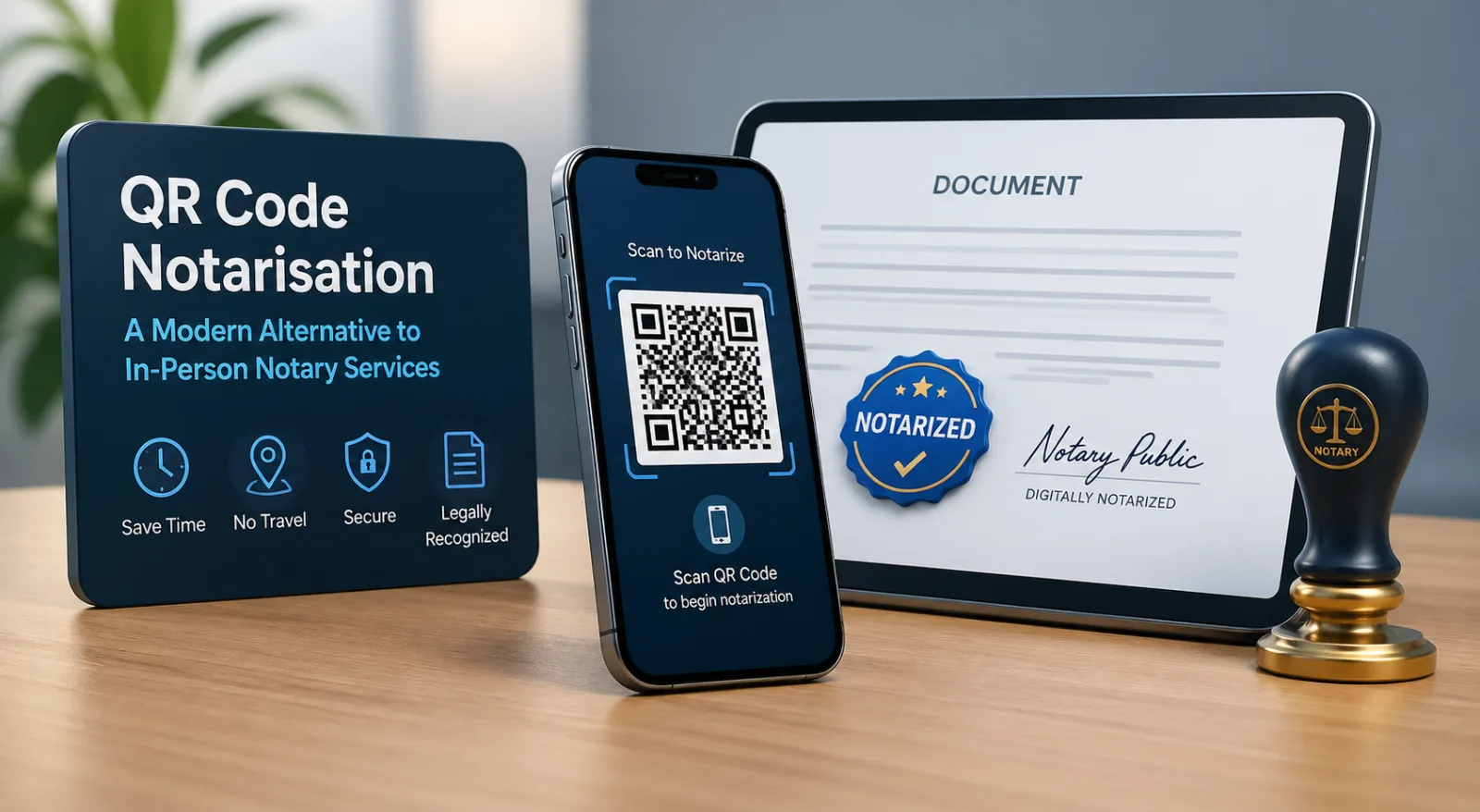
If you have ever needed a document notarised at short notice, you know the routine. Find a notary. Drive to their office between 9 and 5. Bring photo ID. Pay $5 to $200 depending on jurisdiction. Sign in their presence. Watch them stamp it. Leave with a piece of paper with a wet ink seal that will, you hope, make the document acceptable to whoever asked for notarisation in the first place.
For a meaningful share of documents this routine is overkill. The party who asked for notarisation often did not need a notary specifically — they needed evidence that the document was real and had not been tampered with. A QR-verified document with a hosted proof page satisfies that need in two seconds, on any phone, anywhere in the world, without the office visit.
For another meaningful share of documents, the routine is still required. Real-estate deeds, certain powers of attorney, sworn affidavits, and several other categories carry statutory requirements that a notary — or a properly authorised remote-online-notary equivalent — must be involved. No QR code substitutes for that.
This guide walks through exactly what a notary does, which of those functions a QR + hosted certificate genuinely replaces, which it does not, and how to tell the difference for any given document. The angle is honest: not "QR replaces notary," not "notary is obsolete," but "here is what each one is actually for, and how to choose."
A note on legal scope. Notarisation rules vary substantially by jurisdiction and document type. Anything in this article is a general principle, not legal advice. For a specific document, consult a qualified lawyer or your local notary regulator.
What a notary actually does
Most people who ask "do I need a notary?" have only a vague idea of what the notary contributes. It is worth being precise. A traditional notary public performs four distinct functions, often bundled into a single appointment:
Function 1: Identity verification at the moment of signing
The notary checks government-issued photo ID against the person physically (or, in remote online notarisation, virtually) in front of them. This binds the signature to a specific identifiable human at a specific moment. It is the function most people associate with "notarisation" and the one for which the office visit historically mattered.
Function 2: Witness to the signing
The notary observes the act of signing. This matters because it eliminates a category of disputes about whether the document was signed under duress, forged, or signed by someone other than the named party. Some notarial acts (acknowledgments) require only that the signer acknowledge the signature is theirs; others (jurats and affidavits) require the signer to actually sign in the notary's presence.
Function 3: Capacity and willingness check
The notary forms a judgment that the signer is of sound mind, understands what they are signing, and is signing willingly rather than under coercion. This is a human judgement and is what makes a notary's role legally meaningful for high-stakes documents like wills, deeds and powers of attorney.
Function 4: Tamper-evident certification and a notarial record
The notary applies a seal (or in RON, a digital equivalent) that makes subsequent alteration to the document visible, and records the act in a journal — date, document type, signer details, ID type, sometimes thumbprint. The journal is the audit trail. The seal is the visible evidence.
In the US these functions are formalised by state notary law and regulated by each state's Secretary of State. In the UK, notaries public are appointed by the Court of Faculties and the role is heavier (notaries are typically also solicitors). In most civil-law jurisdictions, notaries are powerful legal professionals who draft and authenticate the document themselves. The exact rules vary, but the four functions above are the core in essentially every system.
What a QR code and a hosted proof page can satisfy
A QR-verified document with a hosted proof page is excellent at functions 4 and parts of 2. It is not, on its own, a substitute for functions 1 and 3.
Function 4 (tamper-evidence and audit record): satisfied, often better than a physical seal. A QR that resolves to a hosted proof page lets anyone in the world confirm in seconds that the document they have matches the document the issuer registered. The proof page shows the original document, issuance timestamp, issuer identity, and any change log. This is structurally stronger than a wet ink seal: a wet seal can be photocopied or photoshopped; a QR-resolved proof page either matches the document in the verifier's hand or it does not.
Function 2 (witness to the signing): partially satisfied. A QR-verified document creates an unambiguous record that this signed version was issued at this time by this party. That is a different and arguably stronger artefact than a notary's recollection of an in-person signing event. What it does not do is observe the live act of signing — that remains a function only a human (or a RON-style live video session) can perform.
Function 1 (identity verification at the moment of signing): not satisfied. A QR proves that a document is what it claims to be. It does not prove that the person whose signature appears on the document is the person they claim to be at the moment of signing. For documents where binding identity to signature is the legal requirement, a notary or equivalent identity-verification process is still needed. (Several modern e-signature platforms layer in identity proofing — knowledge-based authentication, government ID verification, biometric checks — that approach but do not fully replicate notary-grade identity assurance.)
Function 3 (capacity and willingness): not satisfied. A QR cannot judge whether the signer was sober, lucid, willing or coerced. This is irreducibly a human judgement and is the function most fiercely guarded by notary regulators.
The honest summary: a QR-verified document is a much stronger artefact than a notarised paper document on the verification side, and a much weaker artefact on the live-witnessing-and-identity side. Which one matters depends on what the document is for.
Documents that still legally require a notary
Specific document categories typically require notarisation by statute. The exact list varies by jurisdiction, but in most US states and many other common-law jurisdictions the following are commonly on it:
Real estate deeds and mortgages. Title transfer almost always requires notarial acknowledgment. In many US states, recording offices will not accept deeds without a notary stamp.
Powers of attorney. Particularly durable powers of attorney for finance and healthcare. Requirements vary by state but a notary is typically involved.
Wills and trust documents. In many jurisdictions wills require both witnesses and (especially for self-proving wills in the US) notarisation.
Sworn affidavits and statutory declarations. By definition these require an oath taken before an authorised official.
Vehicle title transfers in many US states.
Some adoption, custody and family-law documents.
Apostille-bound documents for international use. Documents intended for use in countries that are parties to the Hague Convention on Apostilles typically need to start with a notarial act before being apostilled.
Documents specifically required to be notarised by contract — some banks, some employer benefits programmes, some immigration filings.
For any document on this list, no QR-verification model substitutes for a notary. What a QR can do — and frequently should do — is sit alongside the notarial act, providing a publicly verifiable proof page for the document the notary stamped. That hybrid is covered later in the article.
If you are unsure whether a particular document requires notarisation in your jurisdiction, the safe move is to ask the receiving party (the bank, the recording office, the consulate) before you sign. They will tell you precisely what they require.
Documents people notarise "for safety" but don't legally need to
This is the larger category, and it is where QR-verified documents are usually the better answer.
Many documents get notarised not because the law requires it, but because one or both parties want extra assurance that the document is genuine. Common examples include:
Most commercial contracts. Service agreements, master service agreements, statements of work, NDAs — typically valid and enforceable without notarisation in essentially every jurisdiction that recognises electronic signatures (which is essentially all of them).
Employment contracts and offer letters. Notarisation is rarely a legal requirement; the parties want a document the employee can prove is authentic to a mortgage broker, immigration officer or background-check firm. A QR-verified offer letter solves that exactly.
Tenancy agreements. In most jurisdictions, residential leases do not require notarisation; landlords and tenants are seeking tamper-evidence and a record of the executed version.
Loan agreements between businesses, or between individuals and non-bank lenders. Notarisation often optional; the lender wants evidence the document is the agreed version.
Permission letters, consent forms, internal corporate resolutions. Frequently notarised "for the file"; rarely legally required.
Vendor authorisation letters, supplier agreements, NDAs in cross-border transactions. Often notarised because someone in the chain felt safer that way; rarely required by statute.
For each of these, the underlying need is tamper-evident authentication that any party can verify later. A QR + hosted proof page provides that more cheaply, faster, and to a wider audience (any device, anywhere, no notary registry lookup needed) than a notary stamp.
The honest test: ask the party requesting notarisation why. If the answer is "because it's the law for this document type," do the notarisation. If the answer is "because we want to be sure it's real," propose a QR-verified version instead. In our experience, the second answer is more common than people expect.
The hybrid model: notary plus QR
For documents that legally require notarisation, the question is not "QR or notary." It is "notary, with or without QR verification on top." Adding the QR is almost always the better answer.
Here is why. A notarised paper deed is excellent at the moment of execution — the notary has verified identity, witnessed the signing, judged capacity, applied the seal, recorded the journal entry. A year later, when a buyer's title insurance company is reviewing the deed, all they have is a piece of paper with a stamp on it. To verify the notarisation they have to look up the notary's commission, contact the recording office, or take the document on faith. The notarial act is real but the verification path is slow and patchy.
If the same notarised deed is also issued with a QR verification block, the title insurance company's verification path collapses to two seconds. Scan the QR. Read the proof page. Confirm the document is the version that was registered, including the notary's seal as part of the registered image. The notarial act is unchanged; the verification of that act has gone from a phone call to a phone scan.
This hybrid is increasingly common in jurisdictions that have modernised notarial practice — most US RON-permitting states, several EU jurisdictions implementing eIDAS-aligned digital notarial acts, and a growing list of others. The QR does not replace the notary; it makes the notary's work verifiable to a much larger audience much faster.
International and remote-online-notary considerations
A few honest cautions for international and remote scenarios.
Remote Online Notarisation (RON) is patchy. As of 2026, the great majority of US states permit RON in some form, but the rules differ — which platform is approved, which documents are eligible, what identity-proofing is required, whether out-of-state notaries are recognised. International recognition of US RON acts is even patchier. If a document needs to cross borders, do not assume RON will be accepted at the destination.
Apostilles still matter for cross-border documents. The Hague Apostille Convention (1961) provides for a single-step authentication of documents for international use among member countries. Apostilles still require an underlying notarial or equivalent official act. A QR-verified document that has not been apostilled may not be accepted by a foreign authority that requires apostille — even if the QR verification is technically stronger evidence. Process matters here, not just provability.
Civil-law jurisdictions are stricter. In many continental European, Latin American and Asian jurisdictions, notaries are powerful legal officers with broader authority than common-law notaries public. Substituting electronic verification for notarial acts in those jurisdictions is a much higher bar and frequently not permitted at all for the document types that traditionally require a notary.
DocuSign's notary product (and similar offerings) are largely US-focused. They solve the RON workflow well within the US but do not, on their own, address the international cases above. A QR-verified document model is jurisdiction-agnostic for verification purposes — the proof page works the same in Lagos as in London — but it does not extend the legal scope of notarisation to jurisdictions that did not previously recognise it.
The practical rule: for documents that need to be recognised in a specific jurisdiction, ask the recipient in that jurisdiction what they will accept before choosing a path. The cost of choosing wrong is a rejected document and a wasted trip.
- When to use QR verification, when to use a notary, when to use both
A simple decision tree, with the same caveat about consulting local rules:
SituationRecommended approachDocument does not legally require notarisation; party wants assurance it is genuine.QR-verified document. Cheaper, faster, more widely verifiable.Document legally requires notarisation in your jurisdiction.Notarise. Add a QR verification block on top so the notarial act is publicly verifiable in seconds.Document needs to be used in a foreign jurisdiction that requires apostille.Notarise + apostille first. Add QR verification as a supplementary layer.Remote signing across US states using RON.Use a state-approved RON platform; add QR verification on top of the executed RON document for downstream verifiability.Cross-border document where you are unsure of the rules.Confirm with the receiving party before choosing. Default conservatively (notary + apostille + QR) for high-stakes documents.
- Frequently asked questions
Is a QR-verified document legally valid as a substitute for notarisation?
For documents that do not legally require notarisation, yes — a QR-verified electronic document is valid and enforceable in essentially every jurisdiction that recognises electronic signatures (which by 2026 is almost all of them). For documents that statutorily require notarisation, no — the QR layer adds verifiability but does not substitute for the notarial act.
Why are QR-verified documents more verifiable than notarised paper?
Because the verifier can confirm authenticity in two seconds, on any device, without needing to know the notary, look up the notary's commission, or contact the recording office. The proof page is publicly accessible and shows the original document side-by-side with whatever the verifier has.
Can QR verification detect forged signatures?
Indirectly. The QR confirms that the document the verifier has is the document that was issued. If a forged document is presented, it will either have no QR, or the QR will resolve to a proof page that shows a different (real) document, exposing the forgery. What the QR does not do is verify the identity of the signer at the moment they signed — that requires identity proofing or a notarial act.
How much cheaper is QR verification than notarisation?
For the verifier, free. For the issuer, typically a few dollars per document or a flat per-seat subscription, compared with $5–$200 per notarial act (and the time cost of finding a notary, which often dwarfs the fee). For volume issuers — universities, banks, employers, government — the cost difference is several orders of magnitude.
Does QR verification work for paper documents?
Yes. A QR printed on paper scans the same as one on a PDF. This matters for any document that ends up printed or framed.
Can a notary use QR verification themselves?
Yes — an increasing number of notaries are issuing notarised documents with QR verification blocks, so the notarial act is publicly verifiable in seconds. The notary's seal sits inside the registered document image; the QR points to the proof page; both work together.
Where can I issue a QR-verified document?
VerifyDoc supports issuance from Microsoft Word, Google Docs, and via API for system-generated documents. For documents that also require notarisation, the recommended workflow is to notarise the document first (in person or via RON) and then issue the executed, notarised PDF with a QR verification block on top.
The bottom line
The notary public is not obsolete and will not be in the foreseeable future. For documents that statutorily require notarisation — deeds, powers of attorney, wills, sworn affidavits, apostille-bound documents — there is no substitute, and proposing one does the reader a disservice.
For the much larger category of documents that get notarised "for safety" rather than legal necessity, a QR + hosted proof page is structurally a better answer: faster, cheaper, internationally verifiable, no office visit, no wet seal that can be photocopied. And for the documents that do require notarisation, layering QR verification on top makes the notary's work verifiable to a much larger audience much faster than the traditional verification chain allows.
The practical move for legal ops, small businesses and individuals is to stop defaulting to "I need a notary" and start asking "what does the recipient actually require, and what is the lowest-friction way to give them confidence the document is real?" In a meaningful share of cases the answer is a QR-verified electronic document. In the rest, it is a notarised document with QR verification on top.
To see how QR document verification works end-to-end, read the explainer, or start a free VerifyDoc trial and issue a QR-verified document from Word or Google Docs in under five minutes.