Editorial20 April 2026VerifyDocs Editorial

How to Switch from DocuSign to VerifyDoc in 30 Minutes

2026 Migration Guide

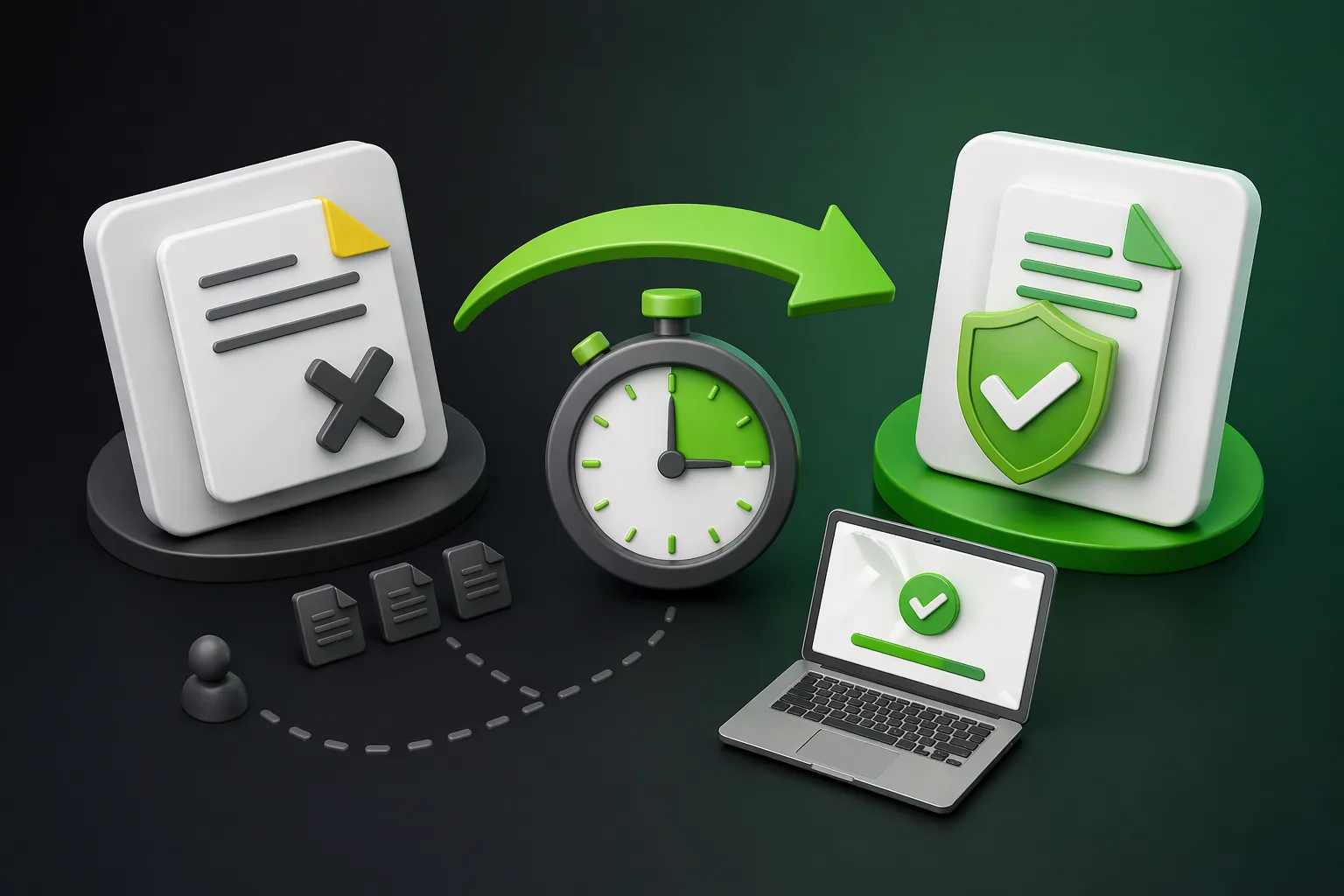
How to Switch from DocuSign to VerifyDoc in 30 Minutes (2026 Migration Guide) illustration

Switching e-signature platforms sounds scary. In practice, a small or mid-sized team can move from DocuSign to VerifyDoc in under 30 minutes: export your historical envelopes, rebuild your 2–3 core templates, invite your colleagues, and turn on default QR-code verification on outgoing documents. You'll keep every compliance guarantee you had on DocuSign — and gain a Certificate of Authenticity on every signed document, a more affordable price, and free envelopes at signup plus every month. This guide is the exact playbook.

  • Why teams are switching in 2026

The three reasons we hear most often:

Pricing creep. DocuSign plans that were affordable three years ago have expanded with add-ons (SMS, KBA, bulk send), and renewals keep ticking up. Teams looking to cut subscription spend often start with DocuSign on the review list. Our full pricing comparison walks through why the sticker number and the real number are different.

The verification gap. AI-generated document fraud is now a mainstream concern. DocuSign's audit trail lives inside DocuSign — third parties who receive forwarded signed PDFs can't easily verify them without platform access. Teams whose documents travel (HR offer letters, real estate forms, contracts re-shared with partners) increasingly want a QR-code Certificate of Authenticity on outgoing documents.

Team friction. Inviting colleagues, sharing templates, and delegating signing authority on DocuSign gets expensive and complicated as the team grows. VerifyDoc bakes team collaboration into the base experience.

If any of these sound like you, the migration below is designed to be painless.

  • What you won't lose by switching

Before the how-to, a quick reassurance:

Legal binding. VerifyDoc signatures comply with ESIGN and UETA in the U.S. and support eIDAS tiers appropriate to common EU use cases. See our ESIGN vs UETA and eIDAS explained guides. Any document legally binding on DocuSign is legally binding on VerifyDoc.

Audit trails. Every VerifyDoc envelope produces a complete audit trail with signer identity, timestamps, IP, and event log — the same legal substrate as DocuSign.

Historical envelopes. Your DocuSign envelopes can be exported in full and stored alongside your new VerifyDoc envelopes. Nothing is orphaned.

Existing integrations. If you use Salesforce, HubSpot, Google Drive, or Microsoft 365, VerifyDoc connects to the ones most SMBs rely on. Enterprise-only integrations may take longer.

The 30-minute migration playbook

Here's the sequence. Do it end-to-end in one sitting.

Minute 0–5: Prep

Make a list of your top 3 templates on DocuSign — the ones you use 80% of the time. For most SMBs, this is NDA, offer letter, and MSA (or equivalent).

Make a list of your team members who send or sign today, and what role each one needs: sender, approver, signer, admin.

Open a browser tab to DocuSign and one to www.verifydoc.ai.

Minute 5–10: Export from DocuSign

In DocuSign, go to Reports → Envelope Report and export completed envelopes for the past 12–36 months (or however far back compliance requires).

Download the CSV and the PDF copies of signed envelopes to a secure shared drive (not a personal drive — see team e-signature workflows for why audit trails should be org-owned).

Export your templates to PDF copies so you have the exact language handy for rebuilding.

This is the one step that can take longer than five minutes if you have thousands of historical envelopes. For most SMBs with hundreds of envelopes, the export completes quickly in the background.

Minute 10–15: Sign up for VerifyDoc

Go to www.verifydoc.ai. Sign up with your work email. No credit card required.

You'll receive 3 free envelopes at signup + 1 free envelope every month, forever, on the free tier. For most teams this is enough to run a full end-to-end test before paying anything.

Set up your admin profile. Verify your domain for branded sending (your organization's logo and return email).

Minute 15–20: Rebuild your top 3 templates

For each of your top 3 DocuSign templates, create a VerifyDoc template of the same name.

Copy the text from your DocuSign export.

Place signer fields, date fields, and required variables.

Save and assign a template owner (the person responsible for keeping the clause language current).

Rebuilding templates is the single longest step. Most SMBs complete three templates in under five minutes each because the underlying content hasn't changed — only the field-placement tool has.

Minute 20–25: Invite your colleagues

In VerifyDoc's admin panel, invite each team member.

Assign the correct role: sender, approver, signer, or admin.

Enable SSO if your organization has an identity provider; otherwise enforce MFA.

Configure the default approval workflow (sender → optional approver → external signer → internal counter-signer). This matches how most SMB teams actually operate.

Minute 25–30: Test and go live

Send a real test envelope from your primary template to a real recipient.

Verify that the signed document carries a QR code and a Certificate of Authenticity. Scan it yourself from a second device to confirm the verification page loads cleanly.

Update any public-facing references: your email signature, your standard signing-request email, any workflow documentation that mentions "sign via DocuSign."

If you use a CRM or HRIS integration, update the signing connector to VerifyDoc.

You're live. Your team can send new envelopes on VerifyDoc from this moment forward.

  • The 2-week parallel-run (if you're cautious)

Teams that prefer caution run DocuSign and VerifyDoc side-by-side for two weeks:

New envelopes go through VerifyDoc.

Historical envelope retrieval still goes through DocuSign (you haven't canceled yet).

After 14 days, if no one has missed a DocuSign-only feature, cancel DocuSign at the next billing cycle.

This adds no real work — you just keep paying one more month of DocuSign. For most SMBs it's worth the peace of mind.

  • What changes for your team (in a good way)

After migration, three things will feel different:

1. Every signed document is now third-party verifiable. A candidate who receives an offer letter can forward it to their bank; the bank scans the QR and confirms it's real. You stop getting "can you verify this is authentic?" emails.

2. The free tier is actually free. Your overflow months get 1 free envelope automatically; your new-user onboarding gets 3 free envelopes at signup. Low-volume users on your team don't need a paid seat.

3. Pricing is predictable. VerifyDoc's paid plans are structured to be cheaper than DocuSign, Adobe Sign, and airSlate SignNow at comparable SMB tiers, and the features that DocuSign gates as add-ons (SMS auth on paid tiers, verification, audit export) are typically included.

  • Risks and how to mitigate them

Every migration has risks. The common ones and the fixes:

Risk: "I already sent a DocuSign envelope and it's pending."

Let it complete on DocuSign. Don't try to move in-flight envelopes. New envelopes only go through VerifyDoc.

Risk: "We have a custom DocuSign API integration."

VerifyDoc has APIs, and migration is straightforward for standard e-signature flows. If you have an unusually custom DocuSign integration, plan one extra day for developer work — or email hello@verifydoc.ai and the team will scope it.

Risk: "Compliance told us we can't switch without a review."

Fair. Run the due diligence in parallel with your 2-week test. VerifyDoc's compliance documentation (ESIGN/UETA adherence, audit trail structure, data residency) is available on request.

Risk: "Our counterparties expect DocuSign."

This is the smallest risk. Recipients of signed documents don't care which platform sent it — they care that it's signed, the signature is valid, and (increasingly) that they can verify authenticity. VerifyDoc's QR-based verification actually makes your outgoing documents more credible to counterparties, not less.

Risk: "What if we hate it?"

You haven't deleted your DocuSign account yet. The worst case is you go back. Given the free-forever tier and the 30-minute migration, the downside is tiny.

The pricing decision

VerifyDoc's paid plans start with clear, predictable pricing that's cheaper than DocuSign and the other major platforms at equivalent feature levels. More importantly, features DocuSign paywalls — QR-code verification, Certificate of Authenticity on every document, audit trail export, team invitations — are included by default.

To price your specific team, visit www.verifydoc.ai and compare plans. For side-by-side cost modeling with DocuSign and other platforms, see e-signature pricing compared.

  • FAQ: Switching from DocuSign to VerifyDoc

Will my historical DocuSign envelopes still be legally valid after I cancel?

Yes. The legal validity of a signature is established at signing time under ESIGN/UETA; it doesn't depend on your ongoing subscription to the platform. What matters is preserving the signed PDFs and the audit trail — export both before canceling.

Do I have to cancel DocuSign to try VerifyDoc?

No. You can sign up for VerifyDoc's free tier (3 envelopes at signup + 1/month) with no credit card while keeping DocuSign active. Cancel DocuSign only after your parallel run confirms VerifyDoc handles everything you need.

Can I import my DocuSign templates directly?

The content imports easily (copy the text from your DocuSign export). Field placement is done manually in VerifyDoc's template editor. Most teams rebuild their top 3 templates in 15 minutes total.

What about my DocuSign-signed contracts that third parties are currently relying on?

Those contracts remain valid and the DocuSign verification links continue to work as long as you maintain access. Going forward, consider adding a VerifyDoc-issued Certificate of Authenticity on top of any new documents that need third-party verification.

Is VerifyDoc compliant for HR and regulated industries?

Yes. ESIGN/UETA compliance is the baseline. For healthcare (HIPAA) and finance (certain 21 CFR Part 11 requirements), confirm with the VerifyDoc team via hello@verifydoc.ai that your specific compliance needs are supported on the plan you're evaluating.

What's the best order to migrate: users, templates, integrations?

Templates first (so senders have something to work with), then users (so they can send), then integrations (which only matter once real volume is flowing). The 30-minute playbook above follows this order.

Can I keep DocuSign and VerifyDoc both long-term?

Yes, some teams do. Enterprise-signed contracts continue on DocuSign while HR offer letters, real estate, and third-party-verifiable documents move to VerifyDoc. This hybrid works well during the transition and can be a permanent setup for specific use cases.

Bottom line

Migrating e-signature platforms in 2026 is a one-sitting project, not a quarterly initiative. The 30-minute playbook gets a small or mid-sized team moved from DocuSign to VerifyDoc with no loss of compliance and real gains in verification, team collaboration, and price. If you want help scoping a migration for your specific team, the VerifyDoc team will walk through it with you — email hello@verifydoc.ai.

Start free at www.verifydoc.ai — 3 free envelopes at signup, 1 free envelope every month, no credit card required.

Last updated: April 2026.

Back to blog