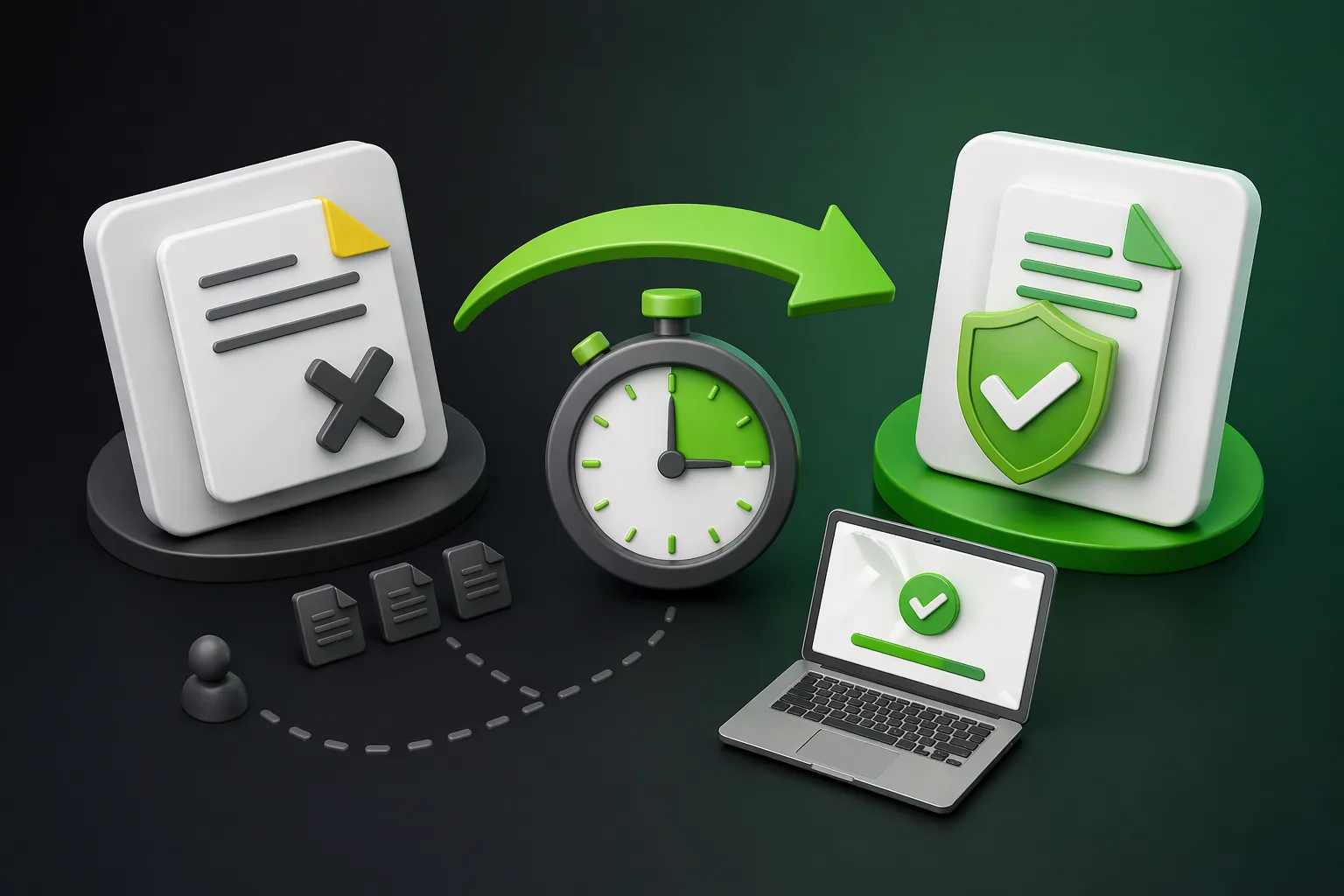
VerifyDoc.ai and Zoho Sign solve different problems that happen to overlap on e-signatures. Zoho Sign is an affordable e-signature platform whose standout strength is deep, native integration across the Zoho ecosystem — CRM, Books, People, Writer, and dozens more — built to send documents and collect legally binding signatures. VerifyDoc.ai is a verifiable-issuance platform — built so anyone can confirm at source that an issued document is genuine, unaltered, and from you, via a QR-backed Certificate of Authenticity and a proof page. Which you need depends on your primary job: getting documents signed inside your business apps, or letting third parties verify them.
The short version: Zoho Sign answers get this signed — affordably, and woven into the Zoho suite. VerifyDoc.ai answers let anyone confirm this document is genuine and unaltered, at source. Both offer e-signatures; the difference is verify-at-source authenticity. This comparison is based on publicly available information; product features and pricing change — check each vendor's site for current details.
At a glance
Two platforms, two primary jobs.
| Zoho Sign | VerifyDoc.ai |
|---|
| Primary purpose | E-signature & signing workflows | Verifiable issuance & document authenticity |
|---|
| Core strength | Deep Zoho-ecosystem integration, value pricing, broad signature types | QR-backed Certificate of Authenticity, proof page, verify-at-source, tamper-evidence |
|---|
| E-signatures | Yes (core; incl. QES via EU eID partners) | Yes |
|---|
| Third-party verify-at-source (no account) | Signing-focused | Yes (core) |
|---|
| Best suited to | Zoho users, agreements, signing inside business apps | Certificates, credentials, issued documents, anti-fraud |
|---|
What Zoho Sign is (and is good at)
Zoho Sign is a secure, cloud-based e-signature platform, part of the wider Zoho suite. It lets you send documents and collect legally binding signatures, with templates, workflow automation, bulk send, reminders, a public-link SignForms option, and generative-AI helpers.
Its defining strength is out-of-the-box integration across the Zoho ecosystem — CRM, Books, Invoice, People, Recruit, Writer, Contracts, Creator and more — plus broad third-party connectors such as Microsoft 365, Google Workspace, HubSpot, and Zapier. It's known for being affordable with a generous free tier, and it supports a wide range of signature types, including electronic and digital signatures and even Qualified Electronic Signatures, or QES, through EU eID partners. If your central need is signing workflows — especially inside the Zoho ecosystem — at a competitive price, that's exactly what it's built for.
What VerifyDoc.ai is (and is good at)
VerifyDoc.ai is a verifiable-issuance and document-authenticity platform. You issue a document — a certificate, credential, letter, or statement — with a QR-backed Certificate of Authenticity and a hosted proof page, so that any recipient or third party can confirm at source, with no app or account, that the document is genuine, unaltered, and from you. It includes e-signatures, but its defining strength is third-party verification at source — for documents whose value depends on others trusting them later: certificates, credentials, issued letters, and anti-fraud use cases.
The core difference: a signing event versus ongoing verifiability
The cleanest way to think about it: an e-signature proves a signing event between the parties to a document. Verifiable issuance proves ongoing authenticity that anyone can check, at source, afterwards.
This matters because binding is not the same as provable to a third party. A signed PDF is legally binding between the people who signed it — but when a stranger receives that PDF later, an employer, an auditor, a lender, a registrar, can they confirm it's genuine and unaltered without contacting the original parties? With a signing tool alone, often not. With a verifiable Certificate of Authenticity and proof page, yes — that's the gap VerifyDoc.ai is built to close, and it's the heart of what actually proves a document authentic.
Where they overlap
Both platforms offer e-signatures and integrate with other tools, so for a sign this agreement task either can do the job. It's worth being fair about one area where Zoho Sign goes further on the signing side: it supports Qualified Electronic Signatures via EU eID providers — a high-assurance signature tier that VerifyDoc.ai does not provide, since VerifyDoc.ai is not a qualified trust service provider. If QES is your requirement, Zoho Sign or a dedicated qualified provider is the route. The divergence elsewhere is clear: Zoho Sign optimises signing and ecosystem workflows; VerifyDoc.ai optimises issuance and at-source verification.
When to choose which
Choose Zoho Sign, or another dedicated e-signature tool such as DocuSign, Adobe Sign, airSlate SignNow, or Dropbox Sign, if your primary need is signing workflows — particularly inside the Zoho ecosystem — at a competitive price, or if you need QES via eID.
Choose VerifyDoc.ai if your primary need is third parties verifying issued documents at source — certificates, credentials, issued letters, anti-fraud — with QR-backed proof pages and tamper-evidence.
Use both if you sign agreements inside your business apps with one tool and issue certificates or credentials that recipients need to verify — the two are complementary.
How VerifyDoc.ai fits
VerifyDoc.ai is purpose-built for verifiable issuance: QR-backed Certificates of Authenticity, hosted proof pages, tamper-evidence, and verify-at-source with no app or account — plus e-signatures. If your job is purely to collect signatures and run agreement workflows inside the Zoho suite, Zoho Sign may suit you better, and VerifyDoc.ai can sit alongside it. But if you need the people who receive your documents to confirm they're genuine, that's what VerifyDoc.ai is for. See how it works.
See what verify-at-source looks like
If you need the people who receive your documents to confirm they're genuine and unaltered, VerifyDoc.ai issues every document with a QR-backed Certificate of Authenticity and proof page — verifiable on any device, with no app or account. Start free or see how it works.
Related reading: VerifyDoc.ai vs airSlate SignNow, VerifyDoc.ai vs Dropbox Sign (HelloSign), and What actually proves a document is authentic?.
This article is for general information. Comparisons are based on publicly available information at the time of writing; product features, capabilities, and pricing change over time — check each vendor's official site for current details. Zoho Sign and other names are trademarks of their respective owners.