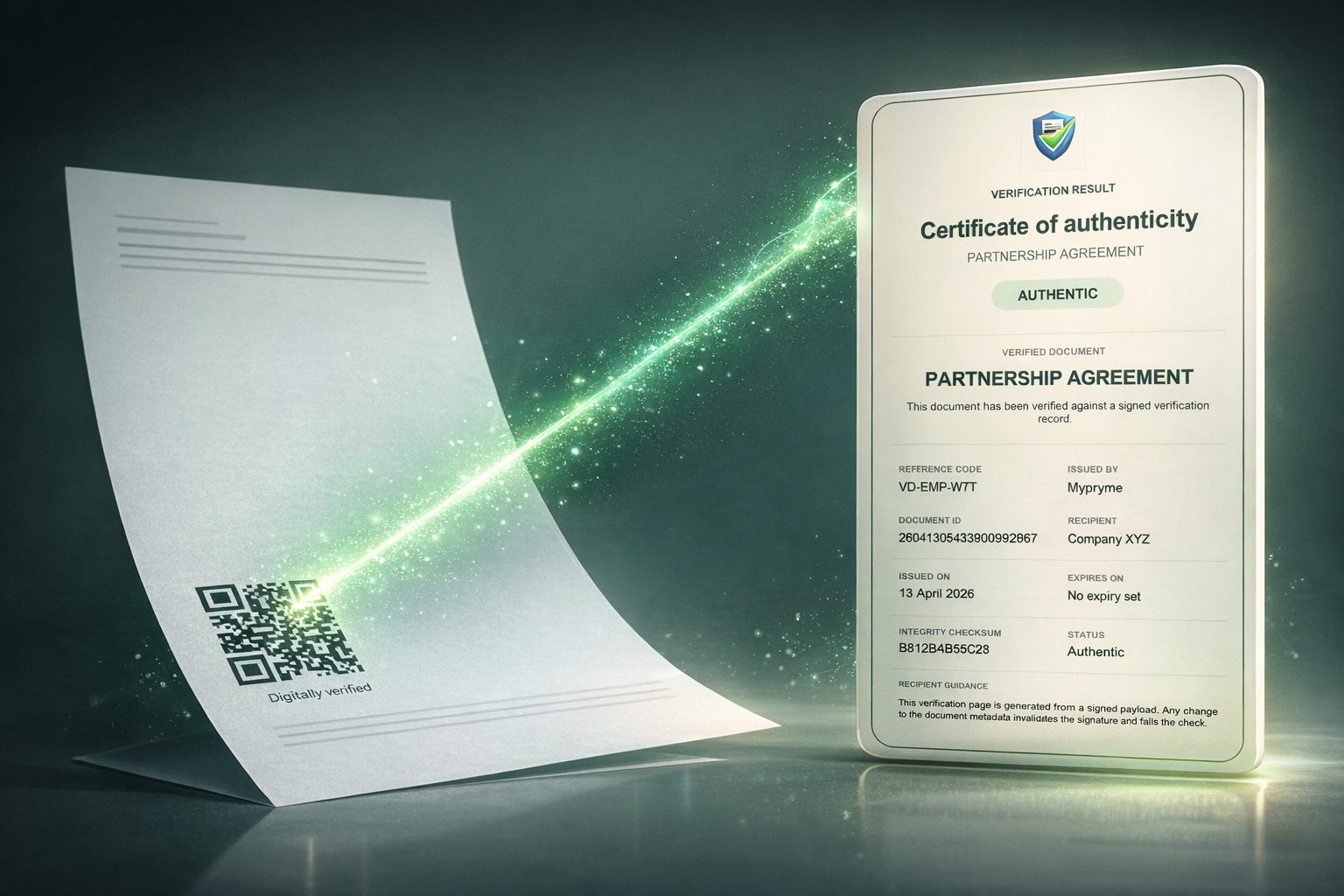
The best Certificate of Authenticity (CoA) software depends entirely on what you're certifying — there isn't one universal best. The category splits into four distinct types: document and credential verifiable-issuance platforms for verifying issued documents at source, course-certificate and badge platforms for education, training, and HR, product, art, and collectibles authentication tools for physical-item provenance, and design-only tools, which make certificates look good but don't verify them. This guide explains each category, the features that actually matter, and how to match a tool to your need.
The key insight: best CoA software isn't one list — it's four categories. Match the tool to whether you're certifying documents, course completions, or physical products. And a beautifully designed certificate is not the same as a verifiable one. This overview is based on publicly available information at the time of writing; it is not exhaustive, and features change — check each vendor's site.
What Certificate of Authenticity software does
A digital Certificate of Authenticity replaces a slow, forgeable paper certificate with something that can be verified in seconds. The good ones share three things: instant verification, usually a QR code linking to a hosted proof page; tamper-evidence, so any change is detectable; and proof of issuer, confirmation of who issued it. The crucial distinction to hold onto: CoA software is about verification, not just design. A certificate you can't verify is just a picture.
1. Document & credential verifiable issuance
These platforms let you issue documents — certificates, credentials, statements, letters — each with a QR-backed Certificate of Authenticity and a hosted proof page, so any recipient can confirm at source that it's genuine and unaltered, typically with no account needed. Best for issued documents and credentials where recipients must verify authenticity, and for anti-fraud. This is the category VerifyDoc.ai is built for.
2. Course, credential & badge platforms
Aimed at education, training, HR, and events, these create and manage digital certificates and badges with QR-code and public-registry verification, bulk issuance, templates, and LMS integration. Well-known options include Credly for digital badges and credentials, Certifier, Sertifier, and Accredible. Best for course completions, professional credentials, and event certificates issued at scale.
3. Product, art & collectibles authentication
These issue a CoA for a physical item — art, collectibles, or products — usually a cloud-hosted certificate linked by a QR code, sometimes NFC, RFID, or blockchain, recording provenance and a creation timeline. Tools such as Art Certify serve artists and galleries. Best for provenance of physical goods — though for serious anti-counterfeiting, a certificate should be paired with physical security and per-item uniqueness.
4. Design-only tools (not verification)
Canva, Adobe Express, and Visme produce beautiful certificate templates — but they are design tools, not verification systems. They don't make a certificate verifiable or tamper-evident. If you use one, you still need a separate verification layer; otherwise you have a nice-looking document with nothing behind it.
A quick map of category to use case:
| If you're certifying... | Category | Representative tools |
|---|
| Issued documents, statements, letters, credentials | Document & credential verifiable issuance | VerifyDoc.ai |
|---|
| Course completions, badges, professional credentials | Course / credential / badge platforms | Credly, Certifier, Sertifier, Accredible |
|---|
| Art, collectibles, physical products | Product / art authentication | Art Certify, product-auth tools |
|---|
| Just the look of the certificate | Design tools (add verification separately) | Canva, Adobe Express, Visme |
|---|
What to look for
Whichever category fits, evaluate against the same criteria. Look for verify-at-source — a QR code linking to a hosted proof page so anyone can confirm authenticity directly; no-account verification, since recipients shouldn't need an app or login and friction kills verification; and tamper-evidence, so any change to the certificate breaks verification.
Also weigh per-item uniqueness — a unique certificate and code per document or item, not one static code reused everywhere; e-signatures, where the certificate also needs signing; and ease and scale of issuance, with templates, bulk issuance, and integrations if you issue at volume. Finally, check for durable hosting, so the verification link remains available over time, and honest scope — be wary of any tool that claims to do everything; the best ones are clear about what they do and don't.
How to choose
Start from the document or item, not the tool. Issued documents and credentials that recipients must verify point to a document verifiable-issuance platform. Course completions and badges at scale point to a credential platform. Physical art or products point to an authentication tool — plus physical security if counterfeiting is a real risk. Just need the design? Use a design tool, but add a verification layer. And where a need spans categories, combining tools is normal.
Where VerifyDoc.ai fits
VerifyDoc.ai sits in the document and credential verifiable-issuance category: it issues documents with a QR-backed Certificate of Authenticity, a hosted proof page, tamper-evidence, and verify-at-source with no app or account, plus e-signatures. It's a strong fit when you issue documents — certificates, statements, letters, credentials — that others need to confirm are genuine.
To be clear about scope: VerifyDoc.ai is not a physical-product serialisation or NFC system — for high-risk physical anti-counterfeiting, pair certificates with physical security — it's not a learning-management or open-badge platform, and it's not a blockchain art-provenance tool. For those needs, the relevant category above is the better fit. VerifyDoc.ai is built for making the documents you issue verifiable at source. See how it works.
Issue documents anyone can verify at source
If your need is issued documents and credentials that recipients must confirm are genuine, VerifyDoc.ai gives every one a QR-backed Certificate of Authenticity and proof page — verifiable on any device, with no app or account. Start free or see how it works.
Related reading: How to issue a Certificate of Authenticity, How QR document verification works, and What actually proves a document is authentic?.
This article is for general information. It is not an exhaustive ranking; product categories and features change over time, and you should check each vendor's official site for current details. Named products are trademarks of their respective owners.