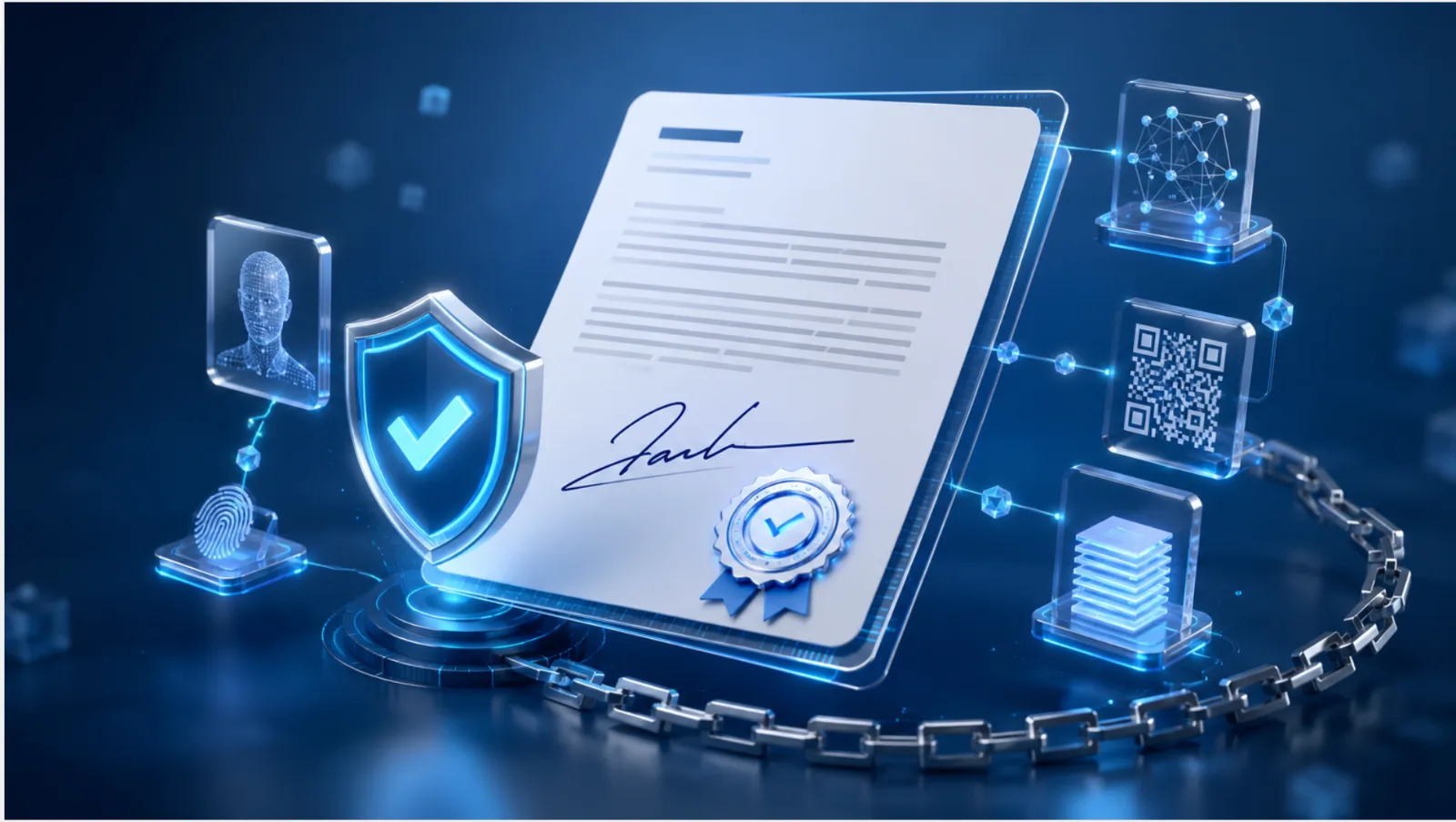
The VerifyDoc.ai API lets you embed verifiable issuance and verification directly into your own application: issue documents that carry a QR-backed Certificate of Authenticity and a proof page, let recipients verify at source, and automate issuance from your own systems. This guide covers the integration patterns at a conceptual level — authentication, the two core flows, webhooks, embedding, and security. It comes down to two operations: issue a verifiable document, and verify one. Everything else is automation around those two.
A note on accuracy: this guide describes the shape of a typical integration, not exact endpoints or schemas. The field and flow names below are illustrative. For precise endpoints, parameters, authentication, SDKs, and rate limits, always work from the official VerifyDoc.ai API reference, which is the source of truth and stays current as the API evolves.
What you can build
With the API, you can embed issuance — issuing verifiable documents from your own app, triggered by your own events, such as a course completed, an order shipped, or a policy bound. You can embed verification — letting your users confirm a document is genuine and unaltered inside your own interface. You can automate at scale, to issue in bulk and continuously, without manual steps. And you can revoke and reissue — programmatically managing the lifecycle of documents you've issued.
Core concepts: authentication
API access is authenticated with a secret key. The golden rule: keep your key server-side. Never embed a secret key in front-end code, a mobile app, or anything a user can inspect — make API calls from your backend, and expose only what your own application needs to your client.
The two core flows
There are two operations at the heart of the API.
Issue: your system sends document data and metadata to the API and receives back a verifiable document — a unique identifier, a QR code, and a hosted proof-page URL.
Verify: anyone can verify by scanning the QR code, which opens the hosted proof page with no integration required — this is the verify-at-source model. If you want verification inside your own app, you query the verification endpoint by identifier and read back the result.
Issuing a verifiable document
Conceptually, you send a POST request to the documents endpoint from your backend, authenticated with your secret key in the authorization header, carrying the document's data and metadata — typically a document type, the recipient's name and email, and a set of custom fields such as the course title and date. The exact endpoint path and field names come from the official API reference; the request body here is illustrative.
A successful response returns the things you embed or deliver: typically a unique document ID, a verify URL pointing at the hosted proof page, a QR code or its URL, and a status indicating the document was issued. You then place the QR code and verification link on the document and deliver it however you like — email, download, or a portal.
Verifying a document
There are two paths, and most use cases need only the first.
The hosted proof page: the recipient scans the QR code, or opens the verify URL, and sees confirmation that the document is genuine, who issued it, and that it's unaltered — on any device, with no app or account. You don't have to build anything for this.
Programmatic verification: to surface verification inside your own product, query the verification endpoint by document ID from your backend, again authenticated with your secret key, and read the result — which indicates whether the document is genuine and unaltered, the issuer, and the issue date. Confirm the exact endpoint and response shape in the API reference.
Webhooks and automation
For anything event-driven, subscribe to webhooks so your system is notified when a document is issued, verified, or revoked, and can act on it — sync a record, send a notification, or trigger a downstream workflow. Two essentials: verify the webhook signature so you only act on genuine events, and respond quickly, doing heavy work asynchronously.
Embedding patterns
A few common architectures recur. Issue-on-event: your system calls the issuance API when something happens — a learner completes a course, an order ships, a policy is bound — so verifiable documents are created automatically. Embedded verification: you call the verification endpoint and render the result in your own UI, so users never leave your product. Bulk and continuous issuance: drive issuance from a dataset or a queue for whole cohorts or ongoing volume, with idempotency to avoid duplicates. And lifecycle management: revoke or reissue documents through the API when something changes.
Security and best practices
Keep secret keys server-side, and never ship them to a browser or mobile client. Verify webhook signatures before trusting an event. Handle errors and retries idempotently, especially for bulk issuance, so a retry never issues a duplicate. Respect rate limits and back off gracefully. And log issuance for your own audit trail.
Where to get the exact specifics
This guide is about patterns. For exact endpoints, request and response schemas, authentication details, official SDKs, rate limits, and webhook event types, work from the official VerifyDoc.ai API reference — it's the source of truth, and it stays current as the API evolves.
How VerifyDoc.ai fits
VerifyDoc.ai is a verifiable-issuance platform, and the API is how you embed it into your own systems — issuing documents with a QR-backed Certificate of Authenticity and proof page, and verifying them at source. It's issuer-side: it makes the documents you issue verifiable and tamper-evident. See how it works.
Build verification into your product
VerifyDoc.ai's API lets you issue verifiable documents and verify them at source from your own systems — a QR-backed Certificate of Authenticity and proof page on every document you issue. Start free or see how it works.
Related reading: How to issue verifiable certificates in bulk, How QR document verification works, and Can you verify a document without an account?.
This article is a general developer overview. Code patterns are illustrative; consult the official VerifyDoc.ai API reference for exact endpoints, schemas, authentication, and current details.