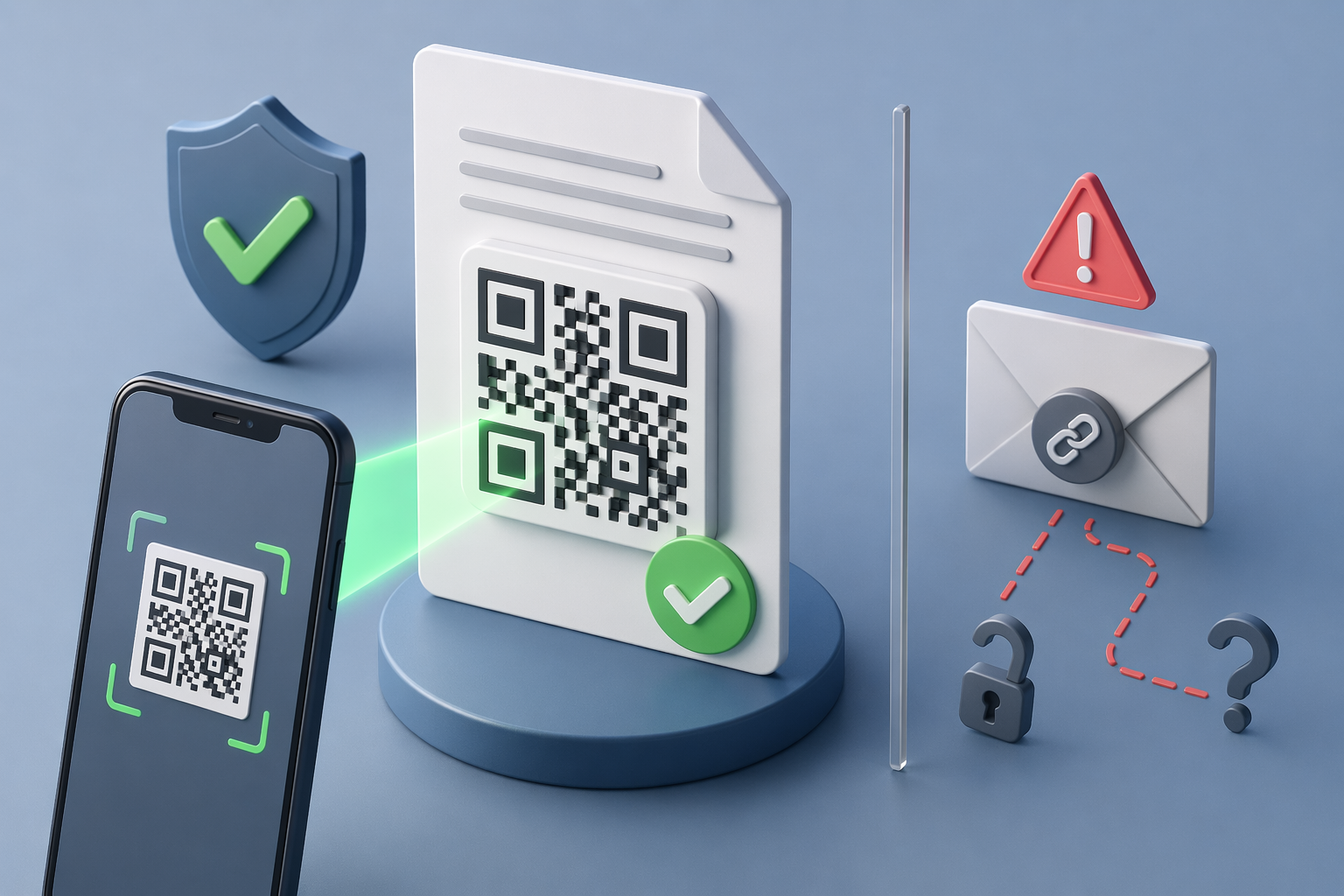
TL;DR (30 seconds): QR-code document verification lets anyone scan a code on a signed document and, in two seconds, see a Certificate of Authenticity — who signed, when, whether the document is still valid, and whether it has been tampered with. It's faster than email-link verification, works offline-to-online, survives printing, and doesn't require the verifier to have an account on any platform. In 2026, as AI-generated document fraud explodes, QR-based verification is becoming the default way credible documents prove themselves.
Why this matters now
Document fraud in 2025 hit levels that made headlines: U.S. losses from deepfake and synthetic document fraud crossed $1 billion, and fake PDFs — offer letters, pay stubs, invoices, diplomas — became a standard part of the fraud toolkit. You can read the pattern of red flags in our guide to AI document fraud.
The uncomfortable truth the fraud wave exposes: most "signed" documents in circulation have no reliable way to be verified by a third party. The signature proves someone clicked "sign" on a platform; it does not, on its own, prove to a new recipient that the document they're looking at is the real one, unaltered, and still valid.
QR-code verification closes that gap.
- What QR-code document verification actually is
A QR-code document verification system does three things together:
Binds a unique code to the document. When the document is signed or issued, the platform generates a hash — a cryptographic fingerprint of the exact bytes of the file — stores a record of that hash, and encodes a link to the record inside a QR code that gets placed on the document.
Lets anyone scan to reach the verification record. The QR code points to a verification page (not a login page). Scanning opens a Certificate of Authenticity with who signed, when, the document's current status, and the hash for integrity checks.
Compares the scanned document to the record. The verification page shows whether the document's current hash matches the hash on record, whether the document is still valid (or revoked), and any extra metadata the issuer wants to expose.
That's the whole idea. It replaces "email me the audit trail" with "point your phone at the code."
- The mechanics, step by step
Here's what actually happens when you scan a QR code on a VerifyDoc-signed document:
Step 1 — Hash computed at signing. When the document is finalized, the platform runs a cryptographic hash (typically SHA-256) across the bytes of the signed PDF. This produces a 64-character fingerprint that is effectively unique to that exact document. A one-character edit produces a completely different hash.
Step 2 — Record stored. The platform stores the hash, signer identity, timestamp, document title, and status (valid/revoked/superseded) in a verification record.
Step 3 — QR generated. A QR code is generated that encodes a URL to that verification record. The QR code is placed on the document — typically in a footer or corner, sometimes with a legend like "scan to verify."
Step 4 — Verifier scans. Anyone — a new employer checking an offer letter, a bank underwriter checking a financial statement, a university registrar checking a diploma — scans the code with any smartphone camera. No app needed.
Step 5 — Certificate displayed. The verification page loads and shows the Certificate of Authenticity. If the verifier uploads or re-hashes the document, the page compares that hash against the stored one. If they match, the document is unaltered. If they don't, the page says so clearly.
Step 6 — Current status reflected. If the issuer has since revoked the document (an offer was rescinded, a contract was superseded, a diploma was flagged), the page reflects that. The verifier sees real-time truth, not the truth as of the day the document was signed.
The total time from scan to answer is usually under two seconds.
Why QR beats email-link verification
Email-link verification — "I'll forward you the signing platform's email so you can click through" — was the industry standard for a decade. It has four problems:
1. Friction. The verifier needs the email, has to find the link, has to click through, and sometimes needs an account. Verification that takes more than 30 seconds often doesn't happen — verifiers give up and accept the document on faith.
2. Privacy. Sharing the original signing email exposes unrelated metadata: other signers, routing history, internal comments.
3. Non-portability. If the document is printed, forwarded as an attachment, uploaded to a new system, or converted to a different format, the email link no longer travels with it. The verification chain breaks.
4. Platform lock-in. If the verifier is in a different ecosystem than the issuer (different e-signature platform, different country, no account), the verification link might not even resolve.
QR codes fix all four:
One scan, no accounts, no searching.
No metadata leak — the verification page shows only what the issuer wants to expose.
Portable — the QR survives printing, forwarding, and format conversion because it's visually embedded in the document itself.
Platform-agnostic — the verifier uses the phone they already have.
This is why QR-first platforms are winning the verification-first slice of the e-signature market.
What makes a QR verification system trustworthy
Not every QR on a document is a real verification system. A QR code that just links to a generic "yes this is real" page is marketing, not verification. A trustworthy QR verification system has five properties:
Cryptographic binding. The QR is tied to a hash of the exact document bytes. Any edit to the document breaks the match. This is what makes tampering detectable.
Independent verification UI. The scan lands on a verification page that can say "yes this matches" or "no this has been altered" — not just display a pre-written status.
Revocation support. The issuer can flip a document's status to revoked or superseded, and the next scan reflects that. Without revocation, a QR that says "valid" may be misleading months after the fact.
Identity you can trust. The Certificate of Authenticity shows the signer and the issuing organization. Verifiers can see who stands behind the document.
Public verifiability. The verification page works without login, on any device, anywhere. If verification requires the scanner to have an account on your platform, you've recreated email-link friction.
Our breakdown of what a Certificate of Authenticity should contain covers the underlying data model in more detail.
Use cases where QR verification changes the game
HR offer letters. A candidate receiving a revoked offer is a legal and reputational risk. A QR-verified offer letter can be scanned by the candidate's bank or new landlord to confirm current status. See tamper-proof offer letters.
Real estate and rental documents. Landlords and brokers routinely receive forged pay stubs, employment letters, and bank statements. A QR on the real documents makes the real ones easy to confirm and the fakes obvious.
Education credentials. Diplomas, transcripts, and certifications are being AI-forged at scale. Universities and training providers issuing QR-verified credentials make the real ones scannable by employers.
Healthcare and compliance attestations. Forms that need to travel across systems — from a clinic to an insurer to an auditor — stay verifiable without everyone needing the same platform account.
Contracts and NDAs. Counterparties who need to re-confirm a contract months later can do so with a phone camera, not a support ticket.
Professional services deliverables. Consultants, attorneys, and agencies can embed verification on reports and deliverables so clients know the PDF they forwarded internally is still the authoritative version.
In each case, the shift is the same: verification moves from "contact the issuer" to "scan and know."
Printing, scanning, and offline use
One of the strongest properties of QR verification is that it survives the analog world. A signed document printed on paper still carries the QR code on the page. Anyone can scan it with a phone, and the verification record returns the same answer as scanning the digital PDF.
This matters in workflows where documents leave the digital rail: immigration paperwork carried in a folder, in-person lease signings, physical diplomas, contracts printed for archival. The old verification model broke at the printer; the QR model doesn't.
A subtle but important detail: because the QR encodes a URL to the verification record — not the document itself — the QR can be small (an inch square is plenty) and readable even on low-quality print. The hash comparison happens on the verification page, not inside the QR.
Design choices for embedding QR codes on documents
If you're the issuer, where and how you place the QR matters. A few practical notes:
Footer, not cover. Put it on the same page as the signature or in the footer on every page. Cover placement looks like a marketing gimmick; footer placement reads as authoritative.
Include a human-readable legend. "Scan to verify • Powered by VerifyDoc" tells the verifier what the code is for. A bare QR looks suspicious.
Size it for 8–12 inches of scanning distance. One-inch square with high-contrast print handles desk-distance scanning reliably.
Include a fallback URL. A short URL below the QR lets verifiers confirm the code without a camera.
Match the brand context. For formal documents, subtle integration wins. For safety-sensitive ones, make it prominent.
These design decisions are small, but they shape whether verifiers actually scan — and verifier behavior is what makes the system effective.
- What QR verification does not do
Worth being honest about the limits:
It doesn't replace identity proofing at signing time. If the signer's identity was weakly verified at signing, the QR won't upgrade that. Use strong authentication (KBA, ID verification, biometrics) where risk demands it — then the QR makes that identity easy to surface later.
It doesn't stop counterparties from misrepresenting what a document says. A valid contract is a valid contract; the QR proves integrity, not outcome.
It doesn't work if the verifier doesn't scan. Adoption depends on verifiers forming the habit. The good news: younger workforces already treat QR codes as normal, and fraud events have trained older audiences.
It requires connectivity to complete verification. The scan hits a URL. Offline-only verification (without any network) requires different cryptographic approaches (e.g., detached digital signatures); most legitimate verifications happen in environments with connectivity.
Being clear about these limits builds credibility. Verification is a system; the QR is the interface.
How VerifyDoc does it
VerifyDoc is built around QR-code verification as the core, not a bolt-on. The signing experience is familiar — upload, assign signers, collect signatures with ESIGN/UETA-compliant workflows. The differentiator is the output: every signed document includes a QR-code-linked Certificate of Authenticity by default, on the base plan, with:
- Cryptographic hash binding so tampering is detectable
- Revocation support so rescinded documents stop reading as valid
Team collaboration so colleagues can co-issue and co-verify
Pricing calibrated to be more affordable than DocuSign, Adobe Sign, and airSlate SignNow at comparable SMB tiers (see e-signature pricing compared)
The result is that verification isn't a platform feature — it's an attribute of the document itself.
- FAQ: QR code document verification
How do I verify a document with a QR code?
Open your phone camera (or any QR scanner app), point at the code, tap the link that appears, and read the Certificate of Authenticity on the verification page. Most verifications take under five seconds.
Can a QR code be faked?
Anyone can generate a QR code, so the code itself is not the proof. The proof is the verification page the code points to — specifically, whether it shows a cryptographic hash match against the document you scanned and the issuer's identity. If the verification page shows "hash mismatch" or "document not found," the document is suspect.
What information does a QR verification show?
At minimum: document title, issuer identity, signer identity, signing timestamp, current status (valid/revoked/superseded), and a hash-match indicator. Well-designed systems also show audit trail summary and contact information for the issuer.
Does QR verification work with printed documents?
Yes. The QR code is printed on the document; a phone camera scans it from paper the same way it scans it on a screen. This is one of the strongest use cases.
Is QR document verification legally binding?
The QR is a verification mechanism; the signature is what binds. A QR-verified document is legally binding because of the underlying ESIGN/UETA-compliant signature (see ESIGN Act vs UETA). The QR makes that binding provable to third parties.
Can I add QR verification to documents I've already signed on DocuSign?
Depends on the platform. DocuSign embeds an envelope ID that requires platform access to verify. To add a QR-verifiable Certificate of Authenticity to an external document, you can upload the signed output to VerifyDoc, which will hash and register it. The signature remains what it was; the QR layer adds portable verifiability.
Does QR verification work internationally?
Yes. The scan is a standard HTTPS request; any smartphone, anywhere, can reach the verification URL. For formal legal recognition across jurisdictions, pair QR verification with an eIDAS tier appropriate to the use case — see eIDAS explained.
How is this different from a standard digital signature?
A digital signature (cryptographic, PKI-based) cryptographically binds signer identity to document content, verifiable with the signer's public key. A QR code is a verification interface that can surface digital signature validity to non-technical verifiers in two seconds. They're complementary: the signature is the math; the QR is the doorway.
Bottom line
Every signed document should be verifiable by anyone holding it, in under two seconds, with the phone they already have. That's what QR-code document verification delivers — and it's quickly becoming the baseline expectation in HR, real estate, credentials, and compliance. For the broader framework on verifying any document in 2026, see our pillar guide: How to verify document authenticity in 2026.
Last updated: April 2026.