To verify a certificate of insurance, accept it only from a licensed broker or carrier — never from the vendor — confirm with that broker or insurer at source that the policy is actually in force, check the carrier is licensed, and confirm any additional-insured status through the real endorsement rather than a ticked box. And keep one hard truth in mind: even a genuine certificate does not prove coverage is still active, because a policy can be cancelled after the certificate is issued.
This guide walks through verifying proof of coverage properly, and spotting the fakes. It is general information, not legal or insurance advice; confirm requirements with your broker or counsel.
What a certificate of insurance is — and isn't
A certificate of insurance (COI) summarises a policy — insurer, insured, coverage types, limits, and effective dates — without revealing the full policy. In the US it is almost always an ACORD 25 form, issued by an insurer, licensed broker, or authorised agent. It is evidence, not a guarantee, and it specifically does not tell you several things.
It does not tell you whether coverage is still active: the certificate reflects the policy's status at issuance, so mid-term cancellations, non-renewals, or lapses are not shown on a certificate issued earlier. It does not tell you the actual policy terms — the exclusions, conditions, and endorsements that govern whether a claim is actually covered. It does not tell you the carrier's financial strength — solvency and AM Best ratings require a separate lookup. And it does not confer additional-insured status: being listed as the certificate holder does not make you an additional insured; only the endorsement does.
Why COIs are a fraud target
A convincing fake COI can be produced in under five minutes using a freely available ACORD 25 template and basic PDF editing — and the consequences are severe. There are documented cases of a fake certificate slipping through and turning a vendor accident into a six-figure uninsured claim, leaving the hiring business directly liable. Because the certificate is often the only proof of coverage on file, verifying it properly is essential.
The verification steps
Start by confirming at source with the broker or insurer. Contact the broker or insurance company listed — using publicly available contact details, never the phone number or email printed on the certificate — and confirm the policy is in force with the stated coverages, limits, and dates. Check the sender's email domain: a legitimate certificate comes from a real brokerage or carrier domain, not a spoofed lookalike or a generic Gmail or Yahoo address.
Verify the carrier is real, licensed, and solvent. Use the NAIC number on the form to confirm the insurer in the National Association of Insurance Commissioners database, and check it is licensed to operate in your state. AM Best provides financial-strength ratings. In the UK, confirm the insurer on the FCA's Financial Services Register. An unrecognised or unlicensed carrier is a major red flag.
Confirm additional-insured status via the endorsement, not the checkbox. This is critical and widely misunderstood. A COI ticking an additional insured box does not prove the endorsement exists. If your contract requires additional-insured status, request the actual policy endorsement — for example, an ISO form such as CG 20 10 — and confirm its scope, whether ongoing operations, completed operations, or both. The certificate alone is not proof.
Match coverage to your contract requirements. Check that the named insured matches the vendor's exact legal entity, that coverage types and limits meet your contractual requirements, that dates are current, and that any required waiver of subrogation or primary and non-contributory wording is actually present.
Finally, track expiry and re-verify. Because a policy can lapse or be cancelled after issuance, a certificate goes stale. Record expiry dates, set reminders, and re-verify at renewal — a COI checked once is not coverage confirmed forever.
ACORD 25 red flags
When inspecting the document itself, it should be a genuine ACORD 25 — the ACORD logo in the upper-right and the text ACORD 25 in the lower-left; their absence is a red flag, as is anything other than the current ACORD version. Mismatched fonts or placement — expiration dates not centred in their box, or in a different font from the policy number, and anything handwritten — suggest tampering. Watch for quote numbers instead of policy numbers, a common tell in fabricated certificates, and a complex layout filled in incorrectly, since forgers often do not know how to complete the form properly.
Look also for a missing or altered disclaimer — the standard this certificate does not amend, extend, or alter coverage language — a missing or mismatched NAIC number, or a carrier that cannot be verified. And inspect the metadata — a PDF produced in a design tool rather than an agency management system, or edited after its stated date.
Quick checklist
Everything above, condensed.
| Check | What to confirm |
|---|
| Source | Came from a licensed broker or carrier, not the vendor; verified via public contact details |
|---|
| In force | Broker or insurer confirms the policy is currently active |
|---|
| Carrier | Licensed (NAIC) in your state; sound AM Best rating |
|---|
| Additional insured | Confirmed by endorsement (e.g. CG 20 10), not just a checkbox |
|---|
| Requirements | Named insured, coverages, limits, dates, waivers match the contract |
|---|
| Form | Genuine current ACORD 25; consistent fonts; policy (not quote) numbers |
|---|
| Expiry | Tracked and re-verified at renewal |
|---|
The honest bottom line
A certificate of insurance is inherently weak proof: it is a snapshot, it can be altered in minutes, and it says nothing about a cancellation that happened the day after it was issued. The durable approach is to insist it comes from a licensed broker, confirm the policy is in force at source, verify the carrier, confirm endorsements, and track expiry — because what actually proves a document genuine is confirmation at source, not the look of the form.
For brokers, insurers, and businesses that issue certificates
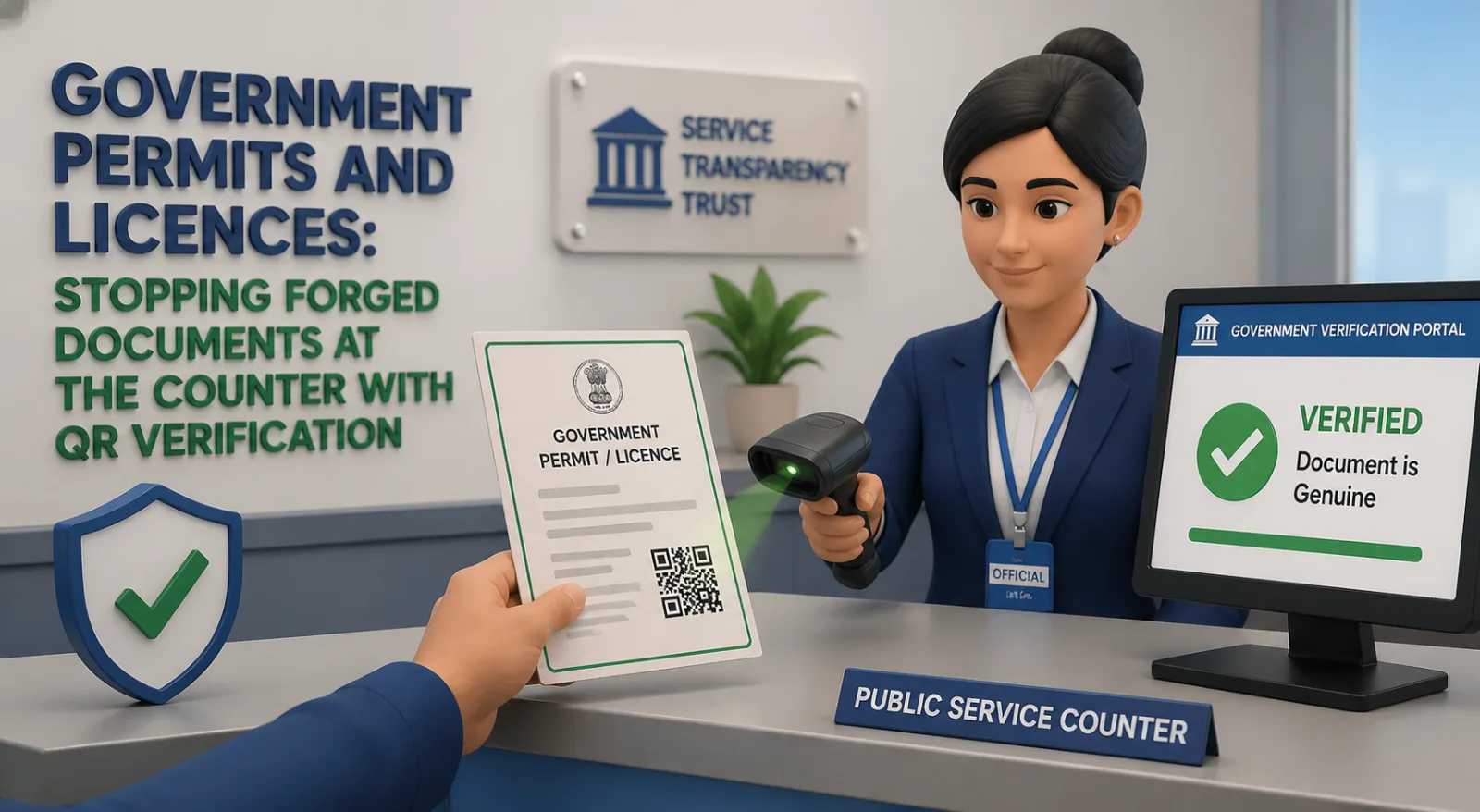
There is a fix at the issuing end. Any organisation that issues certificates or coverage letters can make them verifiable at source, so a recipient can confirm in seconds that the document genuinely came from the issuer and has not been altered. VerifyDoc.ai lets you issue documents carrying a QR-backed Certificate of Authenticity and a proof page, removing the alteration-and-forgery vector for documents you genuinely issue.
To be clear on scope: VerifyDoc.ai is issuer-side. It confirms a document's authenticity and integrity — that it genuinely came from the issuer and is unaltered. It does not confirm that an insurance policy is currently in force, which only the insurer can do, and it is not an insurance-verification or COI-tracking service. If you are the one verifying a vendor's coverage, use the source, carrier-licensing, and endorsement checks above. See how it works.
Issue certificates that confirm themselves
If your organisation issues certificates or coverage letters, VerifyDoc.ai lets each one carry a QR-backed Certificate of Authenticity — so recipients can confirm at source that it genuinely came from you and has not been altered. Start free or see how it works.
Related reading: How to verify a reference letter, How to verify a utility bill (proof of address), and What actually proves a document is authentic?.
This article is for general information and does not constitute legal or insurance advice. Insurance requirements and verification practices vary by jurisdiction and contract; consult your broker or counsel.