The quickest tells that a pay stub is fake: the math does not reconcile, year-to-date totals are inconsistent, the figures are suspiciously round, there is leftover placeholder text, employer identifiers are missing, and no matching deposit appears on the bank statement. This is the deep forensic checklist — the line-by-line inspection to run when you have a pay stub in front of you and need to scrutinise it.
One honest caveat up front: forensics catch the careless, not the competent. Use this to screen, and confirm anything material at source. For the source-confirmation methods, see our companion guide, how to verify a pay stub is real. This is general information, not legal or financial advice; verifying income is regulated, so get consent and follow the FCRA in the US and data-protection law in the UK and EU.
The math — your most reliable tell
Numbers are where forgers slip most, because a believable pay stub has to be internally consistent in several ways at once.
Gross minus deductions must equal net, exactly, to the cent; a mismatch is the single strongest signal. Hours times rate should equal gross for hourly pay, with overtime at the correct multiplier; for salary, the annual figure divided by the number of pay periods should equal the gross per period. Year-to-date figures should be continuous: prior YTD plus this period equals the new YTD, and across consecutive stubs the YTD should climb consistently, with YTD divided by periods elapsed roughly equal to the per-period amount.
Withholding should be plausible: is the effective tax rate sensible for the income and country? In the US, check Social Security at 6.2% up to the wage base and Medicare at 1.45%; in the UK, check that PAYE and National Insurance look right for the bands. Fakes frequently get withholding wrong or omit it. And deductions — pension or 401(k), health, and others — should appear consistently period to period, at stable rates.
The document and formatting
Look closely at the document itself. Placeholder or generic text is a major red flag — generator templates often leave default labels, sample job titles, or mismatched personal details. Font and alignment inconsistencies — mixed fonts, misaligned columns, inconsistent decimal places, or a currency symbol that changes mid-document — suggest manual editing. Watch for spelling and terminology errors in standard payroll terms, such as ernings or deductoins, or wrong tax labels.
Logo quality matters too: pixelated, stretched, or outdated logos point to a copy-paste job. Check the date logic — a pay date falling on a weekend or public holiday, or a pay period that does not line up with the pay date, is suspicious. And note any missing standard fields: genuine stubs show pay-period start and end dates, an employee identifier, and tax codes or filing status, so absences are telling.
The employer
Turn to the employer. Check for a valid US EIN, or a UK PAYE reference and company number; missing or malformed identifiers are a flag. Confirm the employer actually exists — look them up in a company registry, Companies House in the UK or state filings in the US, and confirm a real web and phone presence. Consider address plausibility: a corporate employer at a residential address or a virtual-office box warrants a closer look. And check the payroll-provider footprint — real payslips often carry markers of a payroll system such as ADP, Gusto, Paychex, Sage, or Xero, and a document with none may have been hand-built.
Cross-document consistency
Genuine documents corroborate each other; fabricated ones tend to drift. Does the pay stub's net pay actually arrive as a bank-statement deposit — same amount, right date, payer name matching the employer? Reconcile against annual records: in the US, the W-2 or 1099 and, where relevant, the tax return; in the UK, the P60 or P45. Identity fields — name, address, and partial identifiers such as the last four of an SSN or an NI number — should match across every document. And across consecutive stubs, YTD continuity, consistent deductions, and identical employer details should hold.
The digital file (metadata)
The file itself often betrays a fake. PDF metadata reveals the producing application: a payroll system is expected, whereas Canva, Word, or a known pay-stub generator is a red flag. Creation and modification dates matter — a document modified after its stated issue date, or created in a suspicious batch, is worth scrutiny. Check text versus image: a genuine payroll PDF usually has selectable text, while a doctored one may be a flattened image, or show mismatched text layers where figures were overwritten. Font-embedding inconsistencies and odd filename patterns can corroborate other findings.
Behavioural and contextual red flags
The document does not exist in a vacuum. Watch for resistance to source verification — the applicant will not permit employer contact or will not share a bank statement. Be alert to steering, where someone pushes a particular phone number or email for the employer, a classic social-engineering move. Treat income that is suspiciously perfect — just clearing the affordability threshold, or a clean round salary — with caution. And be wary of a brand-new, high-paying role with no corroborating history, offered with only a single stub.
The master checklist
Everything above, condensed into one screen.
| Category | Check |
|---|
| Math | Gross minus deductions = net; hours times rate = gross; YTD continuity; withholding plausible; deductions consistent |
|---|
| Formatting | No placeholder text; consistent fonts and alignment; correct spelling; clean logo; sane dates; standard fields present |
|---|
| Employer | Valid EIN or PAYE ref; employer verifiably exists; plausible address; payroll-provider markers |
|---|
| Cross-document | Net pay matches bank deposit; reconciles with W-2 or P60; identity fields match; consecutive stubs consistent |
|---|
| Metadata | Producing software is payroll, not a generator; dates consistent; selectable text; no edit artifacts |
|---|
| Behavioural | Open to source verification; no steering to a contact; income not suspiciously exact; corroborating history |
|---|
The ceiling of forensics — and what beats it
Run every check above and you will catch the lazy and the generator-made fakes — which is most of them. But you will not reliably catch a competent forgery, and as our document fraud statistics show, AI is steadily raising the quality of the average fake. A pay stub can be internally perfect — flawless math, real-looking metadata, a genuine employer — and still be fabricated.
That is why a clean forensic pass should gate a verification, not replace it. For anything material, confirm at source — with the employer, payroll, or bank — because what actually proves a document genuine is confirmation at source, not the absence of visible flaws.
For employers: make your payslips verifiable
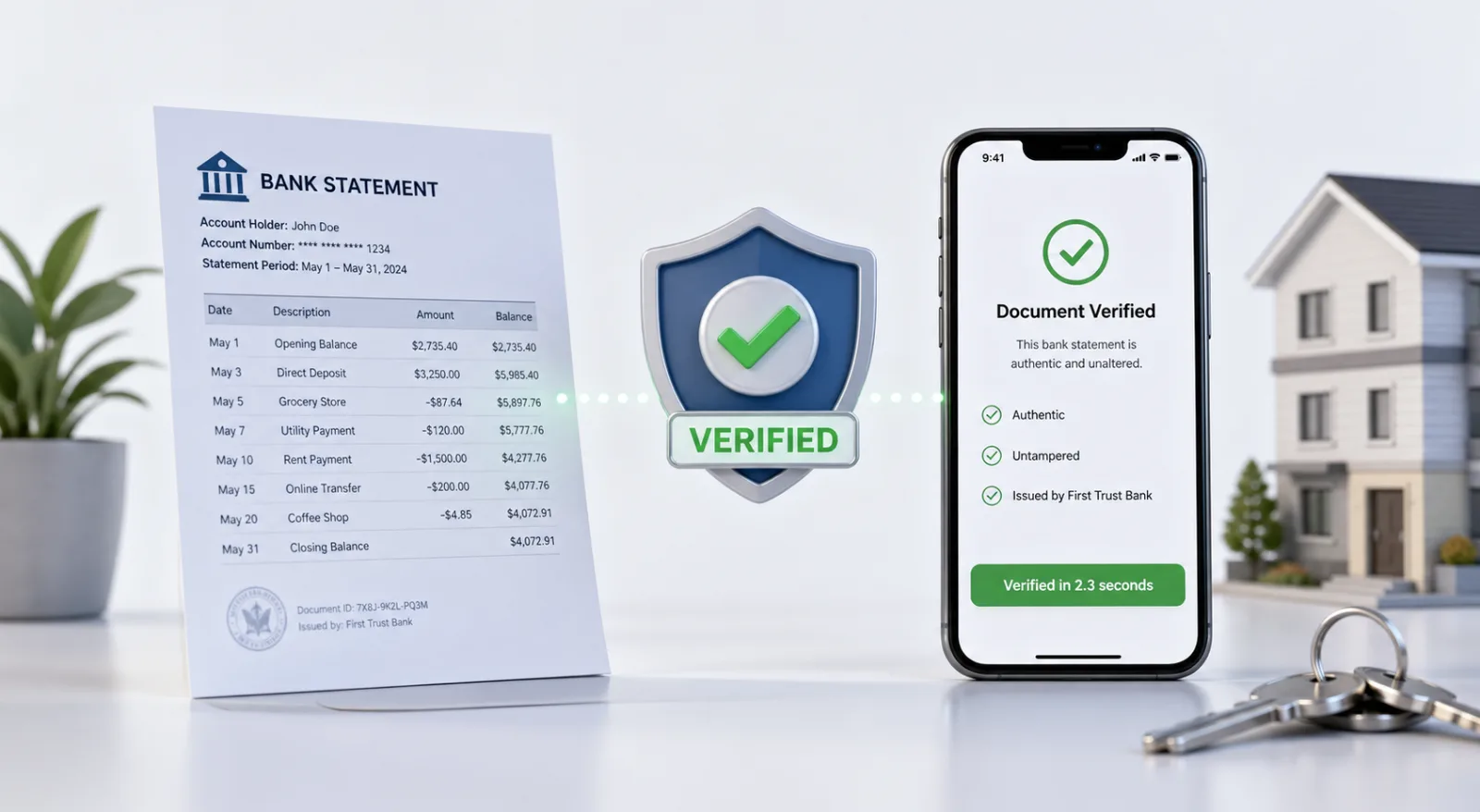
The deeper reason pay-stub fraud is so hard to catch is that ordinary payslips cannot be checked at source — so everyone is reduced to inspecting appearances. Employers can fix that at the issuing end. VerifyDoc.ai lets you issue payslips and income letters that carry a QR-backed Certificate of Authenticity and a proof page, so a landlord or lender can confirm in seconds that the document is genuine, came from you, and has not been altered — no forensic detective work required.
To be clear on scope: VerifyDoc.ai is issuer-side. It does not scan, score, or detect fake pay stubs that others send you, and it is not an income-verification service. It makes the payslips you issue verifiable at source. See how it works.
Stop relying on detective work
Forensic checks catch sloppy fakes, but skilled and AI-made ones slip through. VerifyDoc.ai lets employers issue payslips with a QR-backed Certificate of Authenticity, so recipients confirm them at source in seconds — no inspection needed. Start free or see how it works.
Related reading: How to verify a pay stub is real, How to spot a fake UK payslip or bank statement, and Document fraud statistics 2026.
This article is for general information and does not constitute legal or financial advice. Income and employment verification is regulated; obtain consent and comply with the FCRA (US), data-protection law (UK and EU), and other applicable rules.