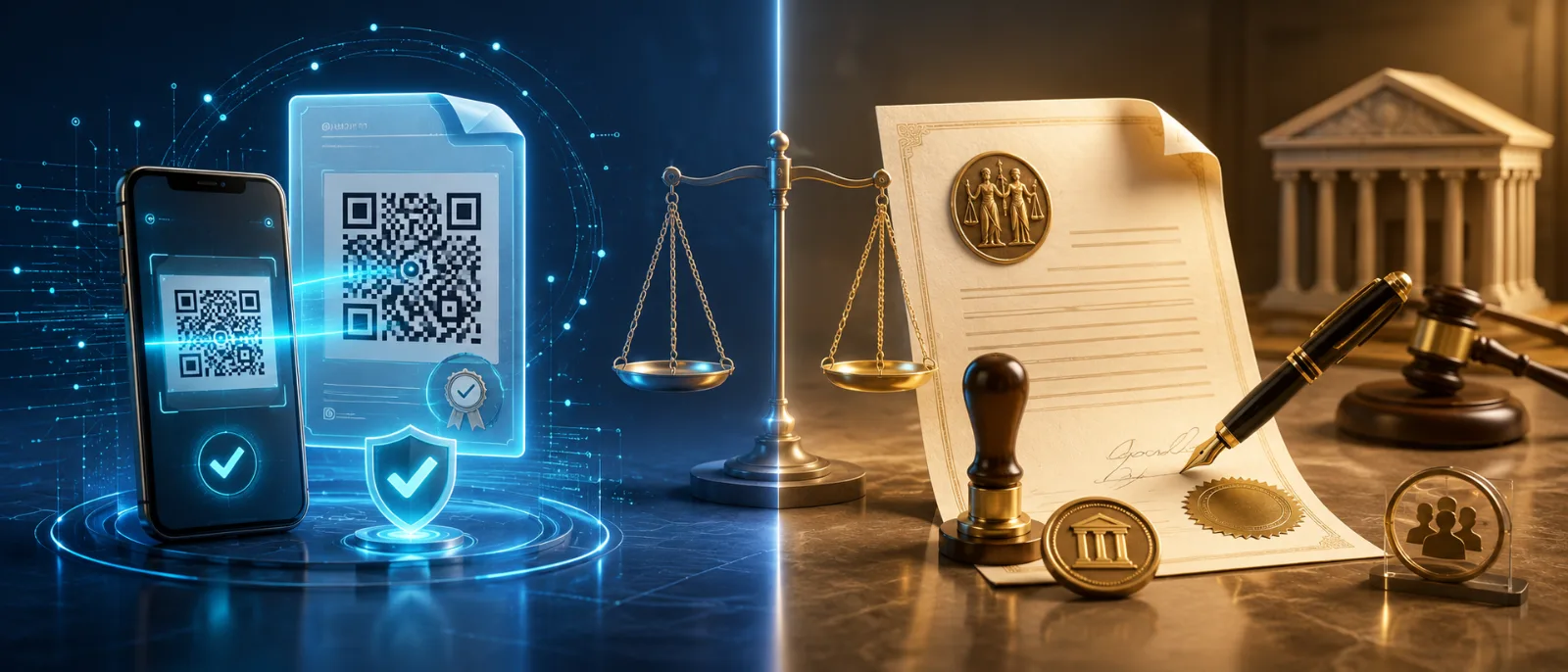
If you've ever had a contract bounced back because the recipient said it "needs to be notarised" — and then been told the PDF also needs a "scannable QR code so we can verify it" — you've run into one of the most common confusions in digital document trust.
The two things sound similar. They both involve proving something is genuine. They both produce a stamp, a code, or a seal that someone can wave around and say this is real. But they are answering completely different questions, and treating them as interchangeable is how property deals stall, court filings get rejected, and onboarding pipelines quietly leak fraud.
This guide breaks down what QR code verification actually does, what a notary does that no QR code can replace, where the two meet in modern hybrid workflows, and how Remote Online Notarisation (RON) closes the last gap for anyone who needs a legally binding notarial act without driving to a high-street notary's office.
The two questions that get conflated
Every document trust system is really answering one of two questions — and very rarely both:
1. "Is this document the same one that was issued?"
This is an integrity question. It's about tamper-evidence. QR codes, cryptographic hashes, digital signatures, and blockchain anchoring all live in this category. They tell a verifier: the bytes you are looking at have not been altered since issuance.
2. "Did this specific, identified person sign this document — knowingly and willingly — under the eyes of a state-recognised official?"
This is a notarial act. It's about identity, intent, capacity, and legal witnessing. Only a commissioned notary public can perform this, and what makes the act legally weighty is the notary's commission from a state authority — not any particular piece of technology they use to record it.
QR verification answers question one. Notarisation answers question two. Most of the time, people only need one or the other. The cost of confusing them is real: hours wasted at a notary's office for a document that just needed a verifiable hash, or — far worse — a self-issued QR-stamped affidavit that gets thrown out of court because the signer's identity was never witnessed.
What a notary actually does
It helps to be specific, because the popular image of a notary as "the person with the rubber stamp" misses what makes the stamp matter.
A notary public performs four distinct functions in a single act:
Identity verification. The notary confirms — through government-issued ID, knowledge-based authentication, or both — that the signer is who they say they are.
Witnessing the signing. The signature must happen in the notary's presence (physically, or via approved audio-video technology under RON statutes). The notary is the eyes-on-the-act.
Confirming awareness and willingness. The notary checks that the signer understands what they're signing and is doing so voluntarily, not under duress.
Creating an official record. The notary logs the act in a journal, applies their commissioned seal, and — depending on jurisdiction — keeps a recording or audit trail of the session.
That fourth piece is what gives the document its legal teeth. The seal isn't just decoration; it's evidence that a state-licensed official has staked their commission on the truthfulness of the first three steps. Courts, land registries, federal agencies, foreign embassies, and banks rely on that chain of accountability.
No QR code does any of that. A QR code can prove a document hasn't been tampered with since it was generated. It cannot prove that the person who generated it is the person whose name appears on it, and it cannot witness an act of signing.
What QR code verification actually does
QR verification is genuinely powerful — just for different problems. When a document is issued with a QR code that points to a hashed, signed record on the issuer's verification endpoint, three things become possible:
Instant tamper detection. A verifier scans the code and is shown the document's authoritative version. If the file in their hand differs by a single character, the mismatch is obvious.
Issuer authentication. The code resolves to a domain the issuer controls. Forged "lookalike" documents with fake QR codes that scan to a malicious page can be spotted by anyone who checks the destination.
Audit trail without paperwork. Every scan can be logged. Issuers gain visibility into which copies are in circulation, when they were verified, and by whom.
This is exactly the right toolkit for documents where the question is did this come from the issuer unaltered? — diplomas, certificates, employment letters, vendor invoices, KYC reference documents, insurance proofs, training records, internal HR letters, customer-facing receipts, and most B2B operational paperwork.
For these use cases, QR verification is faster, cheaper, and more reliable than a notary visit. It also scales: a university issues thousands of degrees a year and cannot send each graduate to a notary, but it absolutely can issue each diploma with a cryptographically verifiable QR code.
Side by side
| Question you're trying to answer | Use QR verification | Use a notary |
|---|
| Has this document been altered since issuance? | ✅ | ❌ (notaries don't audit later integrity) |
|---|
| Did the named person actually sign it, in real life? | ❌ | ✅ |
|---|
| Is the signer who they claim to be? | ❌ (the code doesn't know the human) | ✅ |
|---|
| Will a court, embassy, or land registry accept it? | Sometimes, for non-notarial documents | ✅ for documents that require notarisation |
|---|
| Can I verify it in five seconds with a phone? | ✅ | ❌ |
|---|
| Can I issue 10,000 of these per month? | ✅ | ❌ (impractical and expensive) |
|---|
| Is it legally a notarial act? | ❌ | ✅ |
|---|
The temptation is to ask "which is better." That's the wrong question. The right question is: what does this specific document need to prove, and to whom?
What QR verification can replace — and what it can't
QR verification can replace notarisation when the document never needed a notary in the first place. A surprising number of documents people send to notaries don't legally require notarisation — they require credibility, and a notary stamp was historically the easiest way to get it. For those, a verifiable QR code attached to an issuer's signed record is often a faster, more scalable answer.
QR verification cannot replace notarisation for documents that statute, contract, or counterparty policy require to be notarised. The classic categories:
- Real estate — deeds, mortgages, refinance packages, title transfers
- Estate planning — wills (in many jurisdictions), powers of attorney, healthcare directives, trust documents
- Affidavits and sworn statements for court use
- Many international documents requiring apostille (which builds on a notarial act)
- Certain corporate filings — particularly cross-border transactions
Loan signings where the lender's policy requires notarial acknowledgement
For these, no amount of cryptographic cleverness substitutes for the notary's role as a state-recognised, accountable human witness.
Hybrid workflows: where the two layer together
The most modern document workflows don't choose between the two. They layer them.
A typical hybrid flow looks like this:
A document is drafted and prepared in a digital workflow.
It is signed and notarised by a commissioned notary — increasingly via Remote Online Notarisation.
The completed, notarised document is issued with a QR code that resolves to a tamper-evident verification record.
Now the document has both: the legal weight of a notarial act and the operational convenience of instant verification by anyone who needs to confirm it later. The notary attests to the signing event. The QR code attests to the integrity of the resulting document over time.
This is the workflow most banks, insurers, title companies, and law firms are moving toward, because it eliminates the two old failure modes simultaneously: documents that are legally weak (no notary), and documents that are operationally fragile (no way to detect tampering once they're in circulation).
Remote Online Notarisation: the bridge to fully digital workflows
For decades, the bottleneck in hybrid workflows was the notary appointment itself. You had a digital document, a digital signature, a digital verification layer — and then a printed page, a physical visit, and a wet-ink stamp in the middle. The bottleneck has now largely closed, because of RON.
Remote Online Notarisation is exactly what it sounds like: a notarial act performed over a live audio-video session, with the signer and notary in different physical locations. The notary verifies the signer's identity through credential analysis and knowledge-based authentication, witnesses the signing over video, applies a digital seal, and stores the recorded session as the audit record.
The legal status of RON has shifted dramatically over the past few years. Forty-nine US states plus the District of Columbia have now enacted permanent RON legislation. Virginia was the first, back in 2012; California is the notable holdout, with permanent RON not taking effect until 2030, although a limited pilot exists earlier. Federal mortgage agencies — Fannie Mae, Freddie Mac, and the FHA — accept RON-notarised documents, which is what unlocked widespread real estate adoption.
For most signers in most states, the question is no longer can I notarise this online? but which platform should I use?
OneNotary (https://onenotary.com) is one of the platforms purpose-built for this use case. It offers on-demand and scheduled remote notarisation across all 50 US states, AI-powered government-ID verification, end-to-end session recording, $25 per single-document session, and — relevant for businesses building document workflows — a notary API that lets organisations embed RON directly into their own platforms rather than bouncing customers to a third-party site. It is also the underlying provider that powers DocuSign's on-demand notary service, which is a useful signal about its compliance posture.
For organisations that need to layer notarisation into an existing document-verification pipeline, that API-first approach is the relevant feature. You get the legal act of notarisation as a service call, and your QR-verifiable document trail stays under your own brand.
(Other RON platforms exist — Proof, Notarize, BlueNotary, and others — and the right choice depends on volume, integration needs, and which states your signers are in. The point isn't to lock in one provider; it's to recognise that RON is now a mature, available piece of the stack.)
A decision framework
When a document lands on your desk and you're not sure what trust layer it needs, walk through this:
Does any law, contract, or counterparty policy require this document to be notarised? If yes, you need a notary — full stop. RON makes that practical without sacrificing the digital workflow.
Will this document circulate after issuance, with people downstream needing to verify it hasn't been altered? If yes, attach a verifiable QR code to the issued document.
Both of the above? Run a hybrid flow: notarise (in person or via RON), then issue the notarised document with QR verification on top.
Neither? You probably don't need either layer. Don't add ceremony for its own sake.
The cost of getting this wrong runs in both directions. Over-notarising means burning time and money on legal weight you didn't need. Under-notarising means producing a document that looks impressive, scans cleanly, and gets rejected by the one party whose acceptance you needed.
Where VerifyDoc.ai fits
Document verification — the QR layer — is what we do at VerifyDoc.ai. We help organisations issue documents that anyone can verify in seconds, with cryptographic tamper-evidence and a clean audit trail, at a scale that no notary workflow can match.
For organisations whose workflows also need the notarial layer, the right architecture is to combine the two: notarise where the law requires it, verify everywhere else. Both layers do real work. Neither replaces the other.
If you'd like to see how QR-based verification slots into your existing document workflow — or how it pairs with a RON layer for the documents that need one — get in touch. We're happy to walk through it.