Editorial12 May 2026VerifyDoc Editorial

QR Code Certificate Verification

A 2026 Guide for Issuers and Recipients

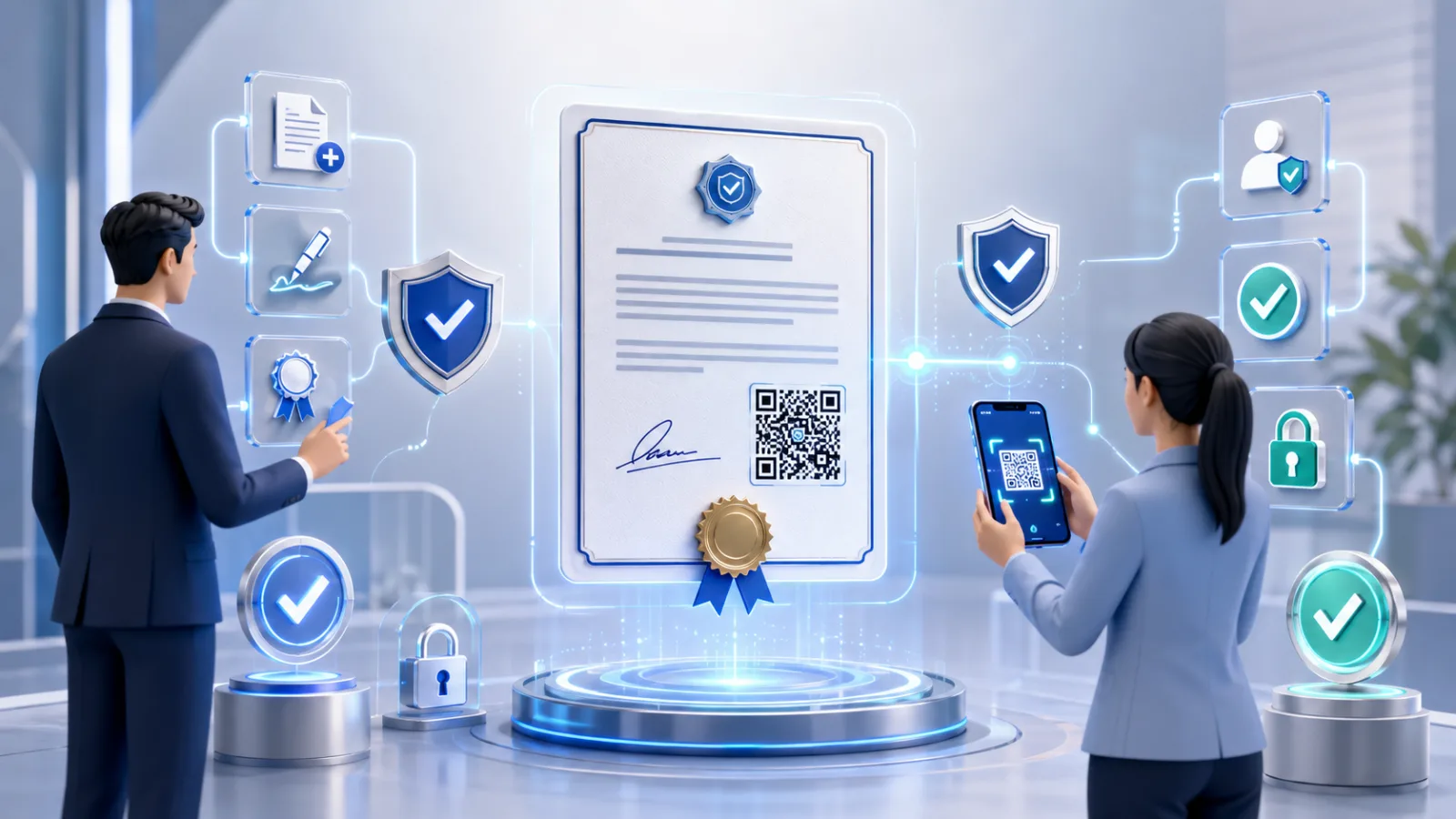
Digital certification and secure verification scene

A certificate is a claim that travels. It leaves the issuer's hands and circulates — sometimes for decades — through employers, regulators, insurers, customs officers, university admissions teams, and licensing boards. Every one of those downstream parties has to answer the same question: is this real? And until very recently, the honest answer was usually some combination of "probably," "we'll call the issuer," and "let's hope."

QR code certificate verification closes that gap. A small square printed on a diploma, a certificate of insurance, a professional licence, or an authenticity certificate gives any verifier a 30-second answer — not from inspecting the document, but by fetching the issuer's signed record of it. There is no app to install, no account to create, no email round-trip. The credential becomes self-evidencing.

This guide covers the entire lifecycle from three angles: how an issuer should design and run a QR certificate program in 2026; how a holder should present QR-verified credentials in real workflows; and how a verifier — an employer, lender, regulator, or buyer — should actually use the QR to confirm what's in front of them. It also covers the standards landscape that's solidifying this year (W3C Verifiable Credentials 2.0, ETSI PAdES, eIDAS 2.0 qualified attestations), the revocation and lifecycle considerations specific to certificates, and the failure modes worth watching for.

If you're choosing between building this in-house, buying a platform, or sticking with the way you've always issued certificates, the trade-offs are in here.

TL;DR

AudienceWhat you need to knowIssuerA QR-verified certificate program is three pieces: a signing key, a verification endpoint hosting a canonical record, and a revocation channel. The rest is workflow. Open standards (W3C VC 2.0, PAdES) matter more than they did last year because recipients are now bringing wallets.HolderYour certificate now travels with its own proof. Forward it as a PDF, print it, screenshot it, drop it into a wallet — the QR works the same. Don't crop the QR out when you "make the certificate fit" on a slide.VerifierOpen the camera, point at the QR, tap the link. The page that loads should show the original certificate (not just a tick), the issuer's identity tied to a domain you recognise, and a clear validity status. If any of those are missing, the verification is theatre, not proof.All threeThe standards that matter in 2026 are W3C Verifiable Credentials Data Model 2.0, ETSI EN 319 142-1 (PAdES) for PDFs, and ISO/IEC 18013-5 for wallet presentation. Anything proprietary will be a migration headache by 2027.

What "QR-verified certificate" means (and what it doesn't)

The phrase has loosened to the point that it covers everything from genuine cryptographic verification to a QR that opens a marketing site. Three patterns are common in the wild, and they're not equivalent.

The first is decorative. The QR on the certificate encodes a URL — often shortened, often the vendor's domain — that opens a page saying "this certificate is valid" without doing any actual checking. The page would return the same response if the certificate had been edited in Photoshop ten minutes ago. This is the worst kind of pattern because it generates false confidence at scale; we have seen it issued by reputable-looking platforms.

The second is self-asserting, where the QR contains a signed payload — claims plus signature — that a sufficiently smart scanner can verify offline against the issuer's public key. This is the model used in ISO/IEC 18013-5 mobile driving licences and was used in the EU Digital COVID Certificate. It works inside ecosystems that have agreed on a payload schema and where scanners are purpose-built; it does not work for an HR manager pointing their phone at a random PDF.

The third is resolver-based, where the QR encodes a unique URL on the issuer's verification domain. Scanning opens a page that, server-side, fetches the original signed certificate, recomputes its hash, verifies the signature against the issuer's certificate, checks revocation status, and renders a human-readable verdict alongside the original document. This is what the rest of this guide means by QR certificate verification and what most enterprise and government deployments use in 2026.

The deeper mechanics of how the cryptographic signature underneath all this actually works are covered in our companion piece on QR code signature validation; this article focuses on the certificate use case specifically.

The three parties to a verifiable certificate

The verifiable credentials community has a useful model for this: the issuer–holder–verifier triangle. It's worth understanding because every design decision in a QR certificate program maps to one of three relationships. The W3C Verifiable Credentials Data Model 2.0, which reached W3C Recommendation status on 15 May 2025, formalises this triangle as the foundation of modern credential standards.

The issuer creates the certificate, signs it cryptographically, and publishes it through a verification endpoint they control. They define the schema (what claims the certificate makes), the validity window, and the revocation rules.

The holder receives the certificate and uses it — by forwarding the PDF, showing the QR on a phone screen, printing the certificate and handing it across a counter, or presenting it from a digital wallet. Crucially, the holder does not need to do anything cryptographic. They just possess the credential.

The verifier is whoever the holder is presenting the certificate to. They scan the QR, get a verdict from the issuer's verification endpoint, and decide whether to act on the credential. Verifiers do not need to know anything about the issuer in advance — they trust the verification page because it's served from a domain controlled by the issuer over a valid TLS certificate.

The triangle's strength is that the holder has no power to alter the certificate. They can present it or not present it, but they cannot modify it; any modification breaks the cryptographic link the verifier checks. This is the property that distinguishes verifiable certificates from every prior form of credential, including embossed paper.

For issuers: how to design a QR certificate program

If you're standing up a QR certificate program in 2026, the architecture decisions you need to get right number maybe six. Most of the rest is workflow tuning.

Choose your signature format based on what verifiers will receive. If the certificate is a PDF — which is still the dominant case for diplomas, professional licences, certificates of insurance, and authenticity certificates — use ETSI EN 319 142-1 PAdES baseline signatures. This is the European standard referenced under eIDAS for PDF signatures and has the broadest interoperability with PDF readers, validators, and long-term verification tools. If you're issuing into wallets, use W3C Verifiable Credentials 2.0 with VC-JOSE-COSE securing — the standardised path for wallet-bound credentials. Issuing in both formats from a single signing event is now common; production issuance platforms support it.

Pick a verification domain you control and won't lose. The verification URL — what the QR encodes — should be on a subdomain of the issuer's own domain, ideally something stable like verify.[organisation].com rather than a vendor's URL. This matters for two reasons. First, the recipient's first trust cue is the URL bar; a vendor domain doesn't carry the issuer's trust. Second, if you ever change platforms, you keep the link integrity for every certificate already in circulation. White-label verification domains are now a standard feature of credible platforms.

Anchor the QR to a server-side proof page, not a static record. The verification endpoint must perform cryptographic validation on every request — recompute the hash, verify the signature, check revocation — not just look up a row in a database and return "valid." This is the single most common point at which platforms cut corners, and it's invisible from the outside.

Plan revocation from day one. Certificates have lifecycles longer than most documents. People surrender licences; degrees get rescinded; insurance lapses; offers of authenticity get challenged. A certificate program without a revocation channel is a one-way liability. W3C's Bitstring Status List 1.0, published alongside VC Data Model 2.0, is the privacy-preserving standard for credential revocation at scale and is the right answer if you're issuing volume. For lower-volume PDF flows, a simple per-document revocation flag served from the verification endpoint is sufficient.

Decide the canonical record's persistence horizon. A diploma issued in 2026 may be verified in 2056. The verification URL has to still resolve. That means either keeping the verification infrastructure running for the credential's natural life, embedding long-term validation material into the document itself (PAdES-LTV / PAdES B-LTA, which embed certificates, revocation data, and timestamps directly into the PDF so it can be verified against the file alone), or both. Most issuers use both.

Build the issuer-side analytics from day one. Every scan that hits your verification endpoint is signal: which credentials are actually being verified, by whom, in what regions, on what cadence. This is operational gold. It tells you which downstream parties are scanning, surfaces unusual patterns (a stale credential suddenly being verified across many regions is a forgery indicator), and gives the program a feedback loop. Without scan analytics, you're issuing into a void.

For domain-specific guidance, see our dedicated walkthroughs on issuing a certificate of authenticity, QR-coded degrees and transcripts for universities, and the government permits and licences playbook.

For holders: how to present a QR-verified certificate

The holder's job is almost trivial — which is the point. But there are a few habits worth knowing.

Treat the QR as inseparable from the certificate. When forwarding, sharing, or printing the certificate, don't crop the QR out to make the document fit a slide deck or a profile thumbnail. The QR is the verification mechanism; a certificate without it is unverifiable. Every platform that supports QR-verified certificates produces a canonical PDF that includes the QR and a human-readable verification ID — keep them together.

Forwarding is fine. Unlike email-based verification, where the link only works for the original recipient, the QR works for anyone who scans it. This is by design — credentials are meant to circulate. If a holder is worried about over-disclosure (showing a transcript that contains more than they want a particular verifier to see), the right answer is selective disclosure via a wallet, not refusing to share the QR.

Wallets are starting to matter. The EU's December 2026 deadline for member states to deliver the European Digital Identity Wallet (EUDI Wallet) means that within the year, a meaningful percentage of European holders will be able to present credentials from a wallet on their phone via a QR code on the screen, rather than as a PDF. Holders should expect to receive certificates in dual formats — a PDF for traditional flows, and a wallet-importable credential for wallet-native ones — and choose based on the verifier.

A screenshot of a QR works. A photograph of a printed certificate's QR works. A QR rendered onto a phone screen works. The QR is the same regardless of the surface, and the resolver doesn't care. This is what makes the format robust against the messy real world of how documents actually move.

The verification page is the holder's friend, not just the verifier's. If a holder ever needs to prove that a certificate they sent is valid — in a dispute, after a deal goes sideways, in a chain of custody — the same verification page they pointed the recipient to is the evidence. Bookmark it.

For verifiers: a 30-second verification protocol

If you're an HR manager, a lender, an admissions officer, a licensing board, an underwriter, or a buyer, this is the part that matters. The protocol below works for any QR-verified certificate from any reputable issuer.

Step 1. Open your phone camera. Point at the QR. Tap the URL preview.

Step 2. Check the URL bar before the page finishes loading. Does the domain belong to the issuer? Not a vendor, not a shortener — the issuer. For a degree, that's the university. For a COI, that's the insurer or the broker. For a professional licence, that's the regulator. If the URL is on someone else's domain, treat it with caution.

Step 3. Read the verdict. The page should clearly state the certificate's current status: valid, expired, revoked, or unknown. "Verified" with no qualifier is suspicious — every real system distinguishes these states.

Step 4. Compare the displayed certificate to what you're holding. The page should render the canonical certificate (or a thumbnail with a link to it). Does it match — same name, same date, same details — as the document in front of you? This is where copied-QR forgery attempts are caught: a QR photographed from a real certificate, slapped onto a forged one, will resolve to the original real certificate, which won't match the forgery.

Step 5. Note the issuer identity, the issue date, and any expiry. If the verification page exposes a verification reference number, capture it — that's your audit trail.

Step 6. If anything is off — domain mismatch, displayed certificate doesn't match, status not clear — escalate. Don't accept the credential.

The whole sequence takes about 30 seconds the first time and 10 seconds after that. It is significantly faster than calling the issuer, faster than inspecting a PDF certificate chain in Acrobat, faster than emailing a verification request and waiting two days. It is the only verification UX that scales to volumes that organisations actually process.

Certificate types where QR verification is winning

Adoption is uneven, but predictable. The leading edges are wherever a certificate is checked by a non-specialist verifier in a workflow where fraud has consequences.

Academic credentials. Degrees, transcripts, professional course completions. Universities have been adopting QR verification at increasing rates since 2022; the 2026 shift is in verifier-side expectations — employers and licensing bodies now expect to scan, not request originals from registrars. The depth of detail on this for higher-ed teams is in our universities and employers playbook.

Professional licences and certifications. Practising certificates for doctors, lawyers, engineers, accountants. Industry certifications (AWS, PMI, ITIL, CISSP). These have moved later than academic credentials because the issuing bodies are fragmented, but the regulatory pressure is now there in most jurisdictions.

Certificates of insurance (COIs). A category absolutely dominated by AP fraud and forged certificates for the last decade. QR verification ties the COI to the issuing carrier in a way email never could. This is now table stakes for general contractors, property managers, and procurement teams.

Certificates of authenticity. Art, collectibles, luxury goods, branded merchandise. The traditional COA has been forged at industrial scale; QR verification tied to brand-controlled domains has become the credible signal. We cover the issuance side in detail in our certificate of authenticity issuance guide.

Healthcare and lab credentials. Lab results, immunisation records, referrals, discharge summaries. The COVID era proved this works at population scale; the post-2024 work is on integrating it into routine clinical workflows. See our healthcare records guide.

Government permits and licences. Vehicle, business, trade, building permits. Counter-fraud at the point of inspection — a regulator scanning a permit on the side of a road or at a building site — is the wedge use case. Our permits and licences guide covers the operational side.

Notarisations and apostilles. Traditionally paper-bound with elaborate visual seals; QR verification provides a much stronger cryptographic anchor than a stamp. Some jurisdictions now accept QR-verified notarisations in place of in-person ones — our QR notarisation guide covers what's changed.

The standards landscape, briefly

Three standards now matter for anyone issuing certificates with QR verification in 2026. None of them is optional if you care about long-term interoperability.

W3C Verifiable Credentials Data Model 2.0 is the data model for expressing credentials in a way that's cryptographically secure, privacy-respecting, and machine-verifiable. It reached W3C Recommendation status in May 2025 along with a family of six supporting specifications, including VC-JOSE-COSE (the securing specification using widely-deployed cryptography) and Bitstring Status List 1.0 (the revocation mechanism). Open Badges 3.0, the dominant standard for digital learning credentials, is built on VC Data Model 2.0; most national digital wallet programs reference it. The European Commission is currently assessing VC 2.0 for formal recognition under eIDAS 2.0, with the assessment expected to complete in 2026.

ETSI EN 319 142-1 (PAdES) is the European standard for advanced electronic signatures on PDFs. If you're issuing PDF certificates that need to be legally valid under eIDAS and verifiable for the long term, this is the format. PAdES-LTV (Long-Term Validation) embeds certificate chains, revocation data, and timestamps directly into the file, allowing verification decades after issuance even if the issuer's infrastructure has changed.

ISO/IEC 18013-5 is the international standard for mobile driving licences, but its real significance is the QR-and-NFC presentation protocol it defines for offline credential verification. The EUDI Wallet's presentation flows derive from it. If you're issuing into wallets, this is the engagement layer.

The pattern across all three is the same: open data models, broadly-deployed cryptography, and an explicit role for the QR or scannable code as a presentation mechanism. Anything proprietary that doesn't map to one of these will be a migration project within two years.

Common pitfalls

A handful of failure modes show up often enough to be worth flagging explicitly.

The verification page doesn't show the certificate. It says "valid" without rendering the canonical document. This makes copy-QR forgery undetectable. Don't trust verification UX that hides the credential.

The QR is generated client-side and never registered with the verification endpoint. Some platforms generate a verification URL at PDF-export time but never anchor it to a server-side record. The URL resolves, returns a templated page, and looks like verification. It isn't.

Revocation isn't supported. The certificate stays "valid" forever, even after the issuer rescinds it. Without revocation, the program is a one-way ratchet — useful for issuance, useless for trust.

The verification domain is the vendor's, not the issuer's. Recipients trust the URL they see. A vendor domain in the URL bar shifts trust away from the issuer.

The certificate isn't actually signed — it's just recorded. Some platforms maintain a database of issued certificates and verify by lookup, with no cryptographic signature on the PDF or wallet-bound credential. This works as long as the database is intact. The day it isn't, every credential becomes unverifiable. Real verification means cryptography, not state.

The QR encodes data inline that contradicts the verification page. If a QR carries claims directly (the self-asserting pattern) and also resolves to a hosted page, the two can disagree. Verifiers don't know which to trust. Pick one model.

Where this is heading

Three trajectories in the next 18 months.

First, the EUDI Wallet milestone. By 24 December 2026, every EU member state must have at least one EUDI Wallet available to citizens, and the regulation requires acceptance of wallet-presented credentials by designated relying parties a year after. For certificate issuers — universities, professional bodies, insurers, regulators — that means a meaningful share of holders within the EU will be able to present credentials from a wallet rather than as a PDF. Dual-format issuance (PDF + wallet-bound credential) is now the right design.

Second, recipient-side UX is consolidating. iOS Safari and Android Chrome both surface QR-verified pages cleanly; the OS-level camera apps in both ecosystems are converging on first-class affordances for verifiable credentials. Within two more platform release cycles, scanning a verifiable QR will feel categorically different from scanning a marketing QR.

Third, AI search engines are starting to cite verification pages directly. "Is this credential real?" is exactly the kind of question that resolves to a single canonical answer per credential, and hosted verification pages are the natural source for that answer. Expect AI assistants to start fetching verification pages on behalf of users, not just rendering search snippets.

The through-line is that the gap between issuing a certificate and proving it's real is collapsing. The proof is starting to ship with the credential by default. That's the shift that makes QR-verified certificates the baseline for 2026 — not the cryptography, which is twenty years old, but the user experience that finally makes it usable for everyone who needs to verify.

  • Frequently asked questions

Is a QR-verified certificate the same as a digital certificate?

No. A digital certificate in the cryptographic sense (X.509) is an issued credential that binds a public key to an identity, used in TLS and PKI. A QR-verified certificate is a credential document (a diploma, a COI, a licence) that has been cryptographically signed and is verifiable via a QR-encoded URL. The two share concepts but solve different problems.

Can the QR be copied from a real certificate and pasted onto a forged one?

The QR can be photographed and reproduced trivially — the QR itself isn't the secret. The defence is that the verification page must render the original certificate that was signed. A verifier comparing the page's displayed certificate to the document they're holding will see the mismatch immediately. This is why a verification page that only renders a verdict, without the canonical document, is dangerous.

Do recipients need an account to verify a certificate?

No. The whole point of QR-based verification is that the verifier needs nothing — no app, no account, no email. They open their phone camera and scan. The verification page is public.

Can a holder selectively disclose only part of a certificate?

Yes, but only via a digital wallet that implements selective disclosure (typically using SD-JWT or BBS+ signatures). The PDF format doesn't support selective disclosure natively; if a holder doesn't want a verifier to see certain claims on a transcript, they need to present from a wallet rather than forwarding the PDF.

What happens if the issuer goes out of business?

This is the strongest case for two things: using PAdES-LTV (which embeds long-term validation material directly into the PDF, so verification can be done against the file alone), and choosing platforms with documented data continuity. A purely cloud-anchored verification endpoint that goes offline takes the verifiability of every credential issued through it with it.

How long do QR-verified certificates remain valid?

The cryptographic signature is valid as long as the signing certificate and algorithm remain trusted, which is typically 10–30 years for current key sizes. With PAdES-LTV, signatures can be extended by adding fresh timestamps over time, effectively allowing decades of verifiability. Revocation status, expiry windows, and content claims (e.g., a degree was awarded on a particular date) are separate questions handled by the verification endpoint.

Is QR certificate verification compliant with eIDAS, ESIGN, and UETA?

The QR code is not a regulated artefact under any of these frameworks; what's regulated is the underlying electronic signature. Certificates issued with PAdES signatures (or qualified electronic signatures under eIDAS 2.0, or ESIGN/UETA-compliant signatures in the US) retain their legal status regardless of whether a QR is added for verification. The QR adds a verification channel, not a signature type. For the full eIDAS picture, see our eIDAS explainer.

What if the holder doesn't have a smartphone?

The verification flow assumes a smartphone-equipped verifier, not a smartphone-equipped holder. The holder just possesses the credential — printed, emailed, or wallet-stored. Anyone with a phone can verify, even if the holder never owned one. This asymmetry is part of why QR verification works at the scale needed for population-level credentials.

Open Badges, Verifiable Credentials, EUDI EAAs — are these the same thing?

They're aligned but not identical. Open Badges 3.0 is a credential schema built on the W3C VC Data Model. Verifiable Credentials is the broader W3C data model and ecosystem. EUDI Electronic Attestations of Attributes (EAAs) — and their qualified variants (QEAAs) — are the eIDAS 2.0 framework's term for credentials issued into the EUDI Wallet, increasingly aligned with VC 2.0 as the European Commission's assessment of the W3C standard progresses. For most practical purposes, designing a 2026 certificate program around VC 2.0 puts you in alignment with all three.

VerifyDoc.ai issues QR-verified certificates that any recipient can confirm with one scan — no app, no account, no email link. Our hosted proof page guide covers the recipient-side experience in more depth.

Back to blog